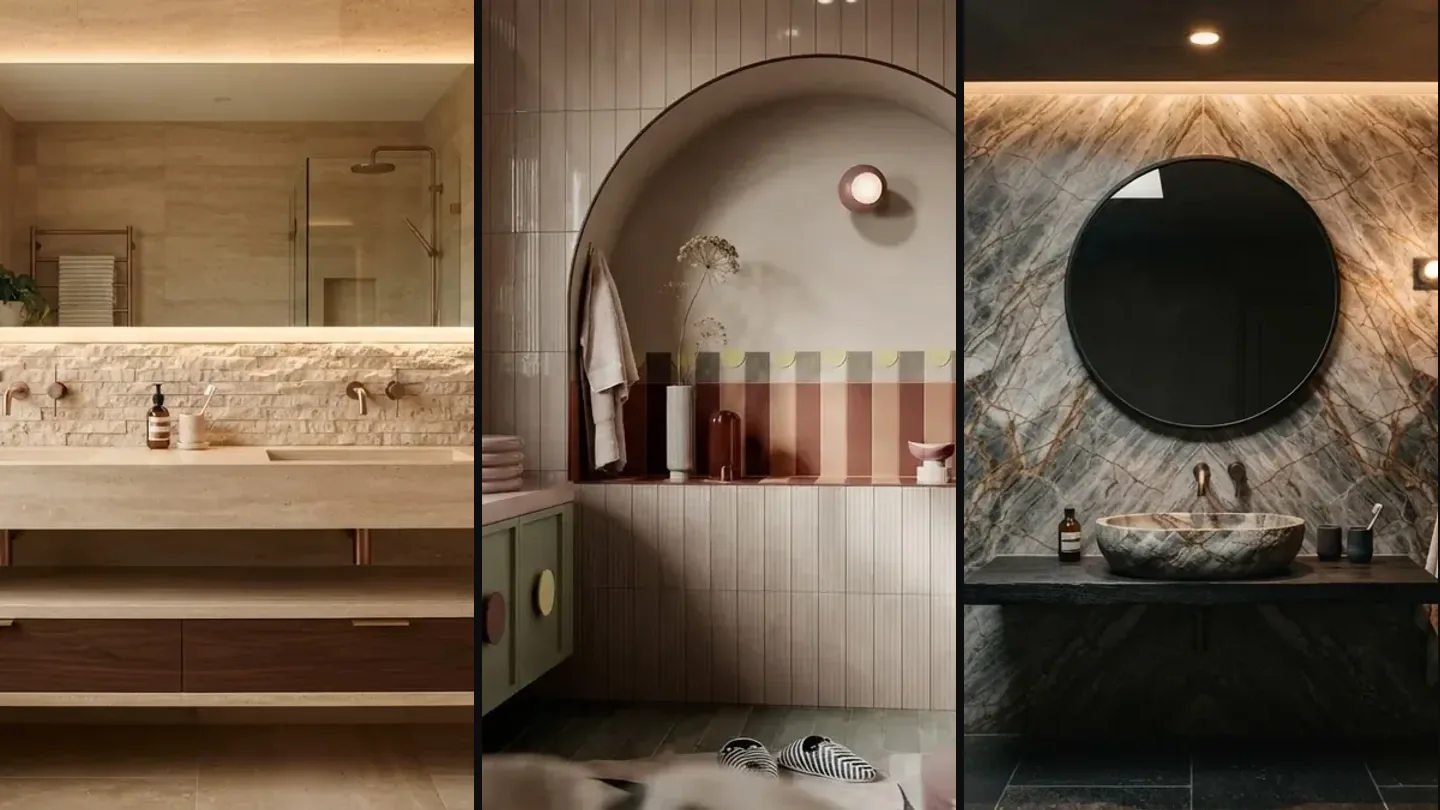
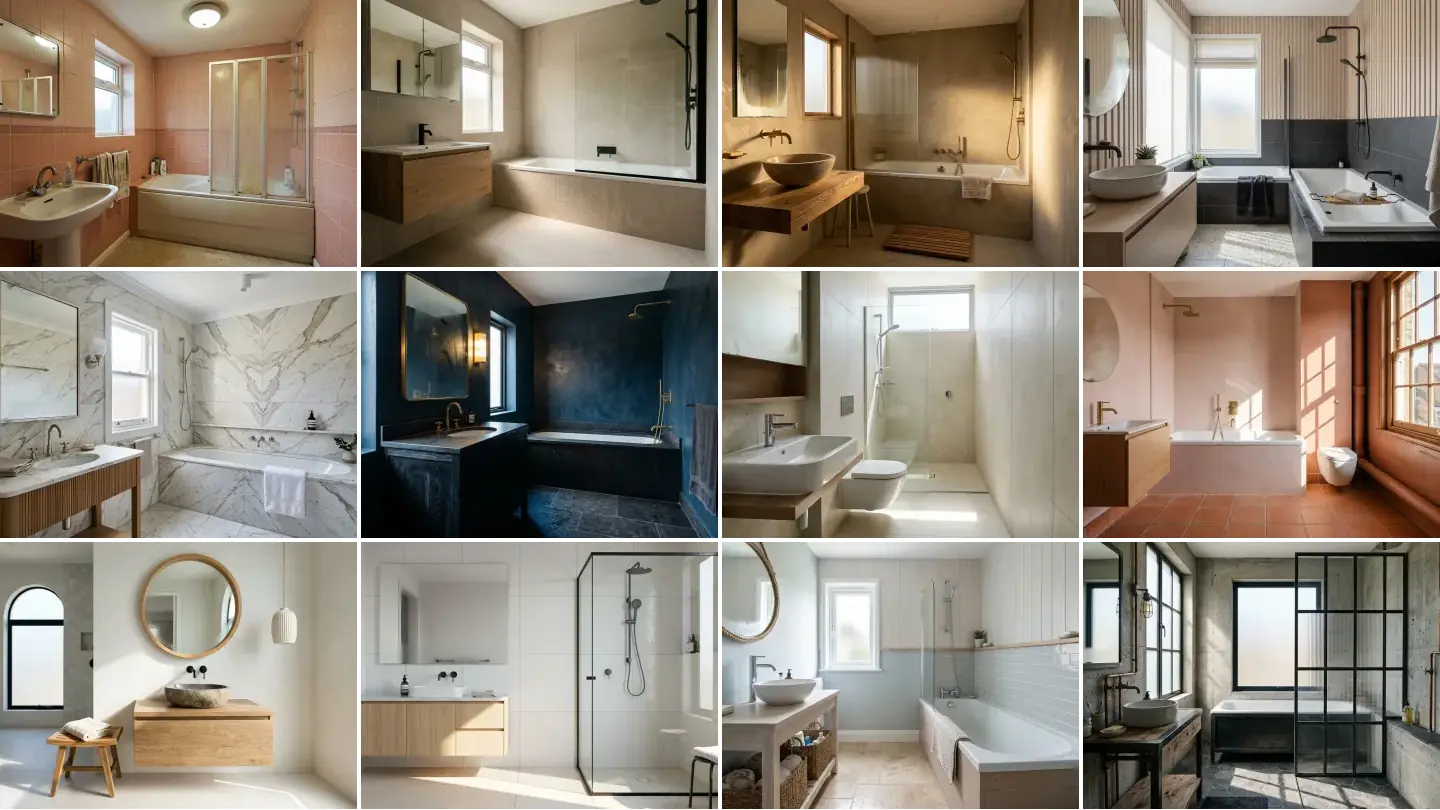
The bathroom in our test flat had been waiting since roughly 1987. Salmon pink tile with a patterned border strip at shoulder height, a pedestal basin with a hairline crack running under the tap, and a folding plastic shower screen that had gone permanently cloudy with limescale. It is the kind of room you photograph for insurance purposes and no other reason. So I used it as a test rig and ran it through every AI bathroom design tool I could find in the search results, eleven that actually loaded plus one that did not, to see which of them produce something you could build and which just produce a nice picture.
Our articles are still written by humans!
Get human written articles in your Google feed.
Quick answer: for free restyles of a bathroom you already have, ReimagineHome and Paintit.ai are the easiest starting points. For professional architectural output, Spacely AI and MyArchitectAI are stronger. For a remodel you intend to actually build, MeltFlex was the only tool that held the existing plumbing positions and linked the fittings to products with real prices. The ranked list, the verified prices and the three tests I scored them on are all below.
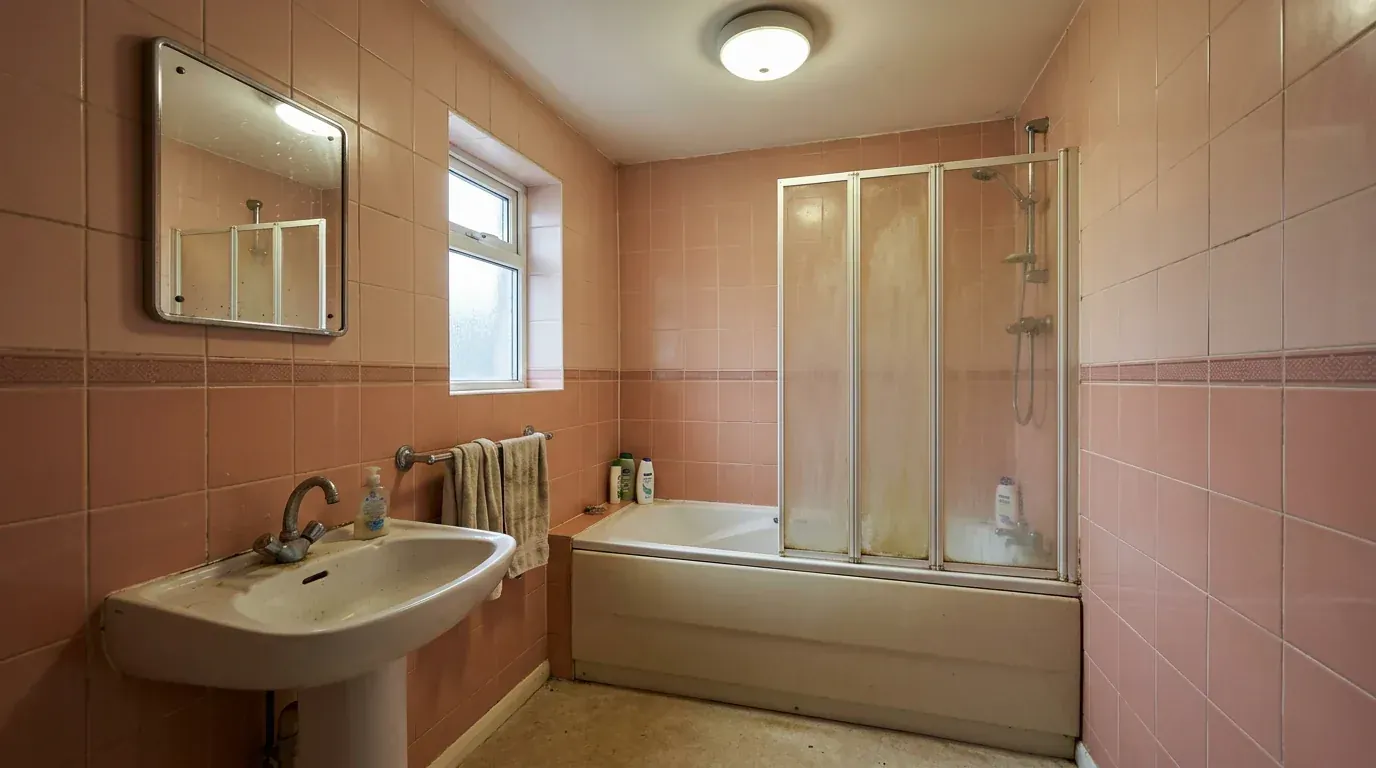
The patient. Salmon pink to shoulder height, a border strip, and a shower screen you cannot see through. Every render in this post starts from this room.
The short version
- Bathrooms are the hardest room for AI, because tile grids, glass and mirrors all punish a model that only understands surfaces.
- The test that matters is whether the tool keeps your soil pipe, window and drain where they are. Most do not, and quietly move them.
- Free tiers are real but small: 3 to 40 credits is typical, which is enough to judge a tool and not enough to finish a room.
- Nearly every tool hands you tile and brassware you cannot buy. Check that before you fall for the render.
The short answer: which tool for which job
An AI bathroom design tool is software that takes a photograph of an existing bathroom and returns the same room with new tile, brassware, vanity and lighting applied, usually in under a minute. The good ones restyle within your existing footprint. The weak ones generate a different bathroom and hope you do not notice.
There is no single winner, because these tools are doing three different jobs. Pick by the job you are actually doing:
- You want one free render tonight to settle a tile argument. Use ReimagineHome. 5 free designs, no card, same quality as paid.
- You are a designer producing client work. Use Spacely AI. Commercial licence on the free tier and the most controlled output in the test.
- You are drawing a layout, not choosing finishes. Use Planner 5D or RoomSketcher. Neither is really an AI tool, and that is the point.
- You are actually remodelling and want the render to become a shopping list. Use MeltFlex. It was the only tool here that priced what it drew. For what to actually change in a room under 40 square feet, see the small bathroom remodel guide.
- You want unlimited iteration on one room. Use MyArchitectAI. Unlimited renders at 29 dollars beats credit bundles fast.
The comparison table
Every price below was read off that tool's own pricing page on 1 August 2026 and screenshotted. They move often, so treat them as a snapshot rather than a quote.
Genroom.io omitted: the site was returning a 502 error throughout testing. MeltFlex pricing is regional, from €9 to €19 a month depending on country income group.
Why bathrooms break AI tools that handle living rooms fine
A living room forgives a lot. Put a sofa slightly wrong, invent a rug, drift the wall colour, and the image still reads as a room. A bathroom does not forgive anything, and it is worth understanding why before you judge any of these tools, because the same model that produces a convincing bedroom will fall apart here.
Tile is a grid, and grids expose everything. A generative model that is fractionally wrong about perspective produces grout lines that drift, bend or fail to meet across an internal corner. You do not notice a warped floorboard. You notice a grout line that does not line up, because your eye tracks it across the whole wall.
Glass and mirrors demand a physical model the tool does not have. A shower screen has to refract what is behind it and a mirror has to reflect what is actually in front of it. Most tools paint something mirror-shaped and hope. Look at the mirror in any AI bathroom render and you will usually find it reflecting a room that does not exist, which is the same failure we picked apart in why AI renders look fake.
Plumbing is invisible and expensive. The model can see your tile, your vanity and your window. It cannot see the soil pipe, the drain fall or the stud wall the cistern hangs on, and those three things decide most of your budget. So it moves the toilet, because visually that looks better, and hands you a render that costs an extra several thousand to build.
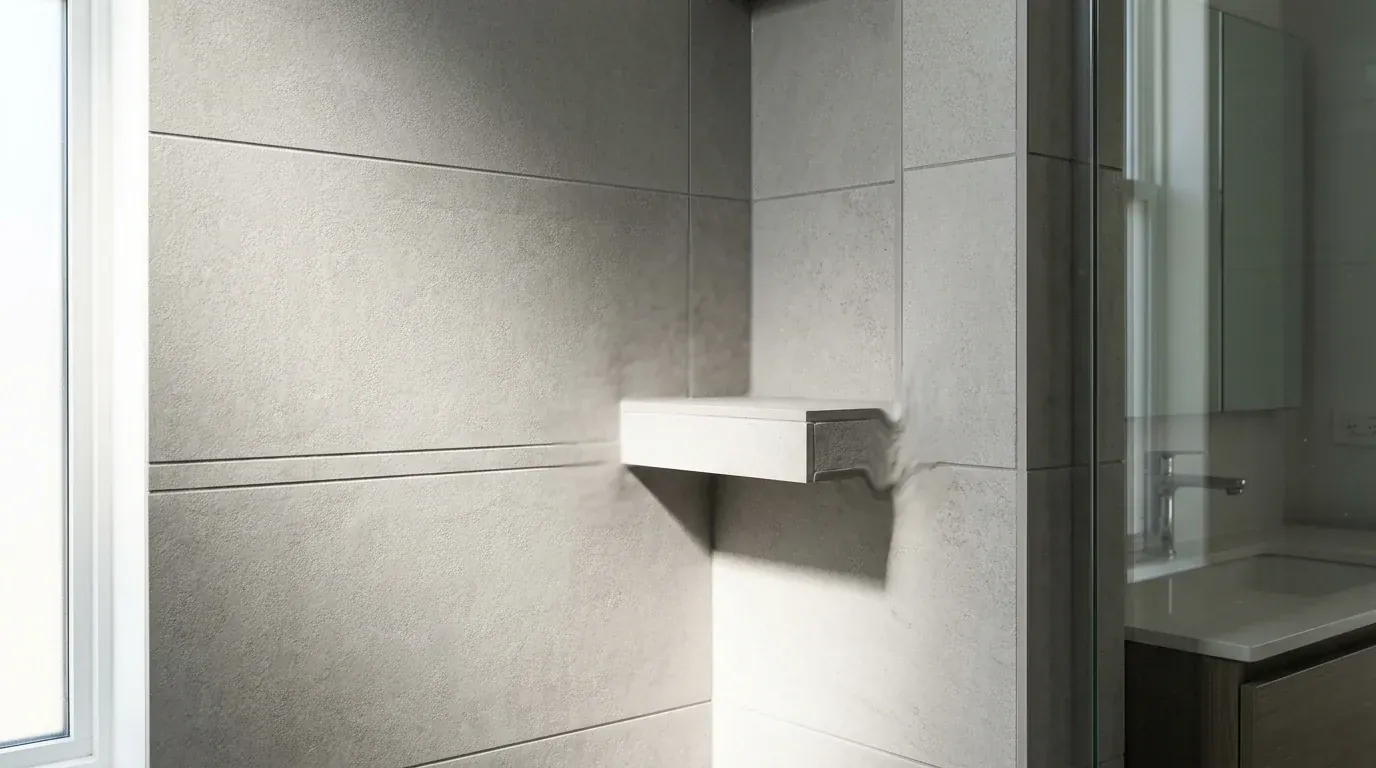
The tile test, failed. The shelf dissolves into the wall on its right edge, it has no visible support, and the grout coursing stops lining up across the corner. This is the single most common bathroom failure across every tool here.
How I tested, and the three things I scored
Every tool got the same photograph of the same pink bathroom, shot in daylight with the door open, and the same brief: warm modern, large-format tile, oak vanity, matte black brassware. Then I scored three things, all of which are about whether the output is buildable rather than whether it is pretty.
- The plumbing test. Does the bath stay in the bath recess, the basin on the basin wall, the window where the window is? Move any of those and the render is a fantasy.
- The tile test. Do grout lines survive an internal corner and stay at a consistent scale across the floor? This is where most output falls apart on a second look.
- The shopping test. Can I identify and buy anything in the result, or is it all invented? A render you cannot recreate is decoration.
Prices in this post were read off each tool's own pricing page on 1 August 2026 and the screenshots are our own. They move often, so treat them as a snapshot rather than a quote.
The AI bathroom design tools I tested, ranked
In the order I would actually recommend them, with the honest catch for each.
1. MeltFlex, the only one that produced a buildable plan
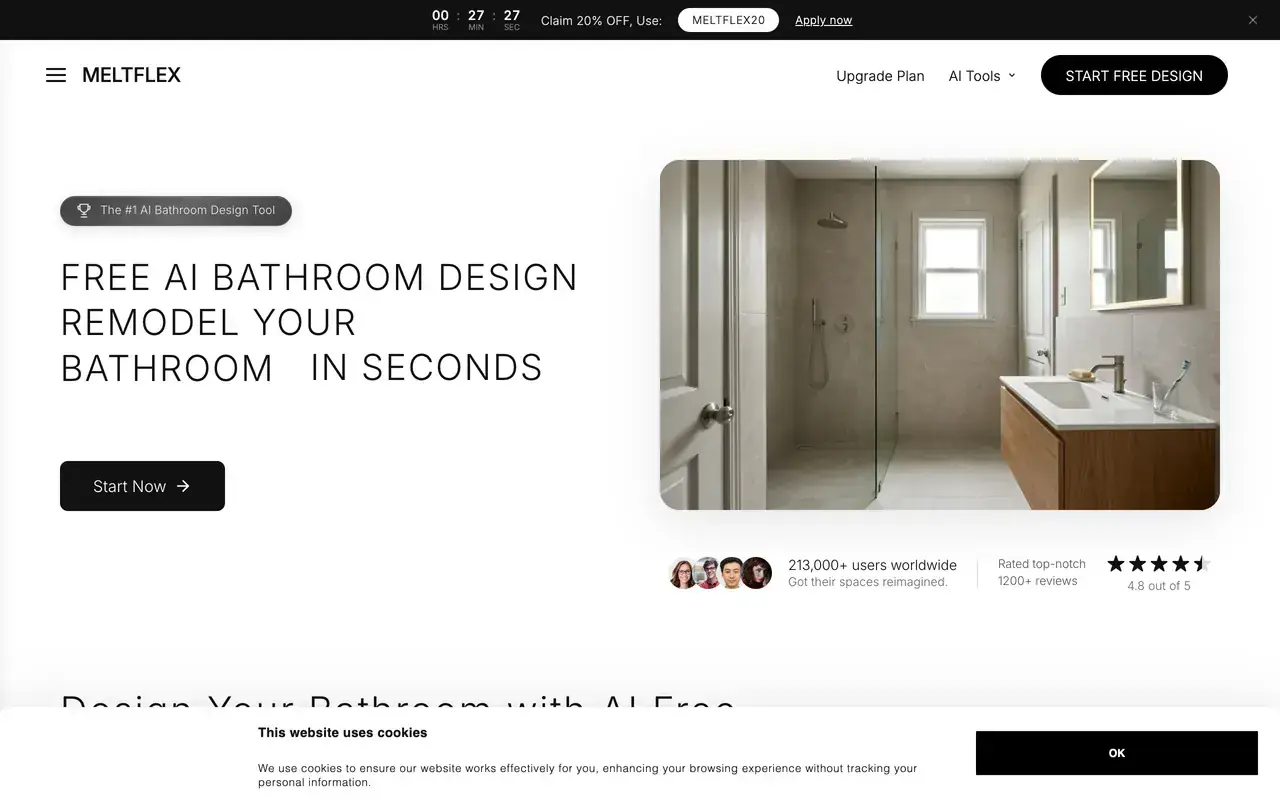
Our own tool, so read this section with that in mind. The reason it tops the list is the shopping test, which nothing else here passes.
Best for: A buildable remodel plan · Free tier: Yes · Paid from: €19/mo (regional, from €9) · Keeps plumbing: Yes · Shoppable: Yes, priced
I should be straight about the conflict of interest: I work on this one. It sits at the top for one specific reason, which is that it was the only tool in the test that passed the shopping test at all. It restyled the pink bathroom while holding the bath recess, the window and the basin wall, and then detected the vanity, mirror, lighting and accessories in the result and linked them to real products with prices. It runs eight curated bathroom styles including Modern Spa, Marble Classic, Industrial, Japandi, Coastal, Moody Dark and Microcement, and you can type a specific material brief instead. Try the free AI bathroom design tool here.
The catch: it is a photo restyler, not a planner. It will not draw you a dimensioned layout or tell you your clearances are illegal, and on the tile test it is good rather than perfect. If you are moving walls rather than finishes, start from a floor plan converted to 3D instead.
If you want to judge it on something other than my word, here is a full run on video: one photo of a real bathroom, a style picked, and the whole room restyled in about 20 seconds, vanity, tile, fixtures and lighting included.

Watch the toilet and the basin, not the tile. If a fixture moves, the render is fiction, which is the failure most tools in this list share.
2. ReimagineHome, the best free restyler
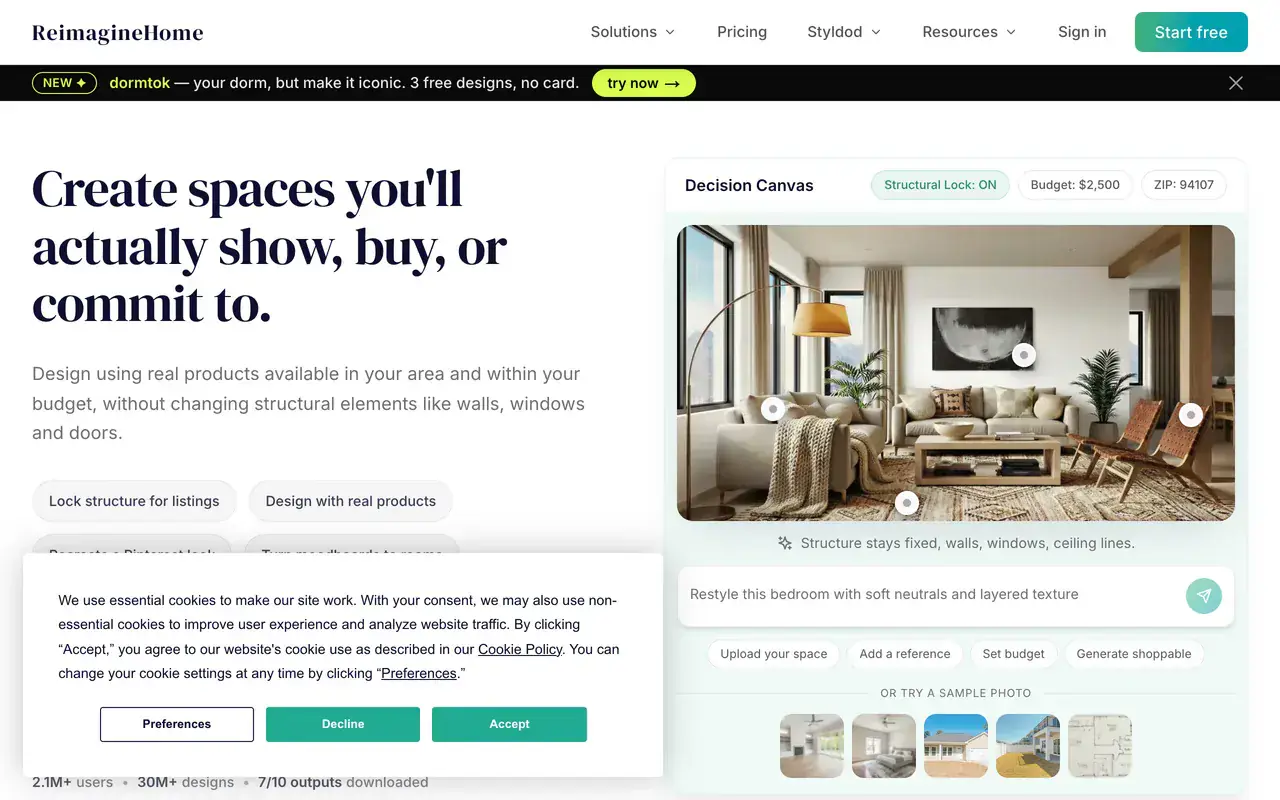
ReimagineHome gives all new users 5 free designs at the same quality as the paid plans, which is an unusually honest free tier.
Best for: Free restyles · Free tier: 5 designs · Paid from: $19/mo · Keeps plumbing: Usually · Shoppable: No
The easiest tool here to get a good result out of on the first try, and the free tier is genuinely usable: 5 free designs for new users, at the same quality as paid. It handled the existing tile and the awkward window well and usually respected the layout. Paid plans start at 19 dollars a month.
The catch: nothing in the output is buyable, and the interface pushes hard toward real estate staging rather than homeowner remodelling.
3. Paintit.ai, the most generous free credits
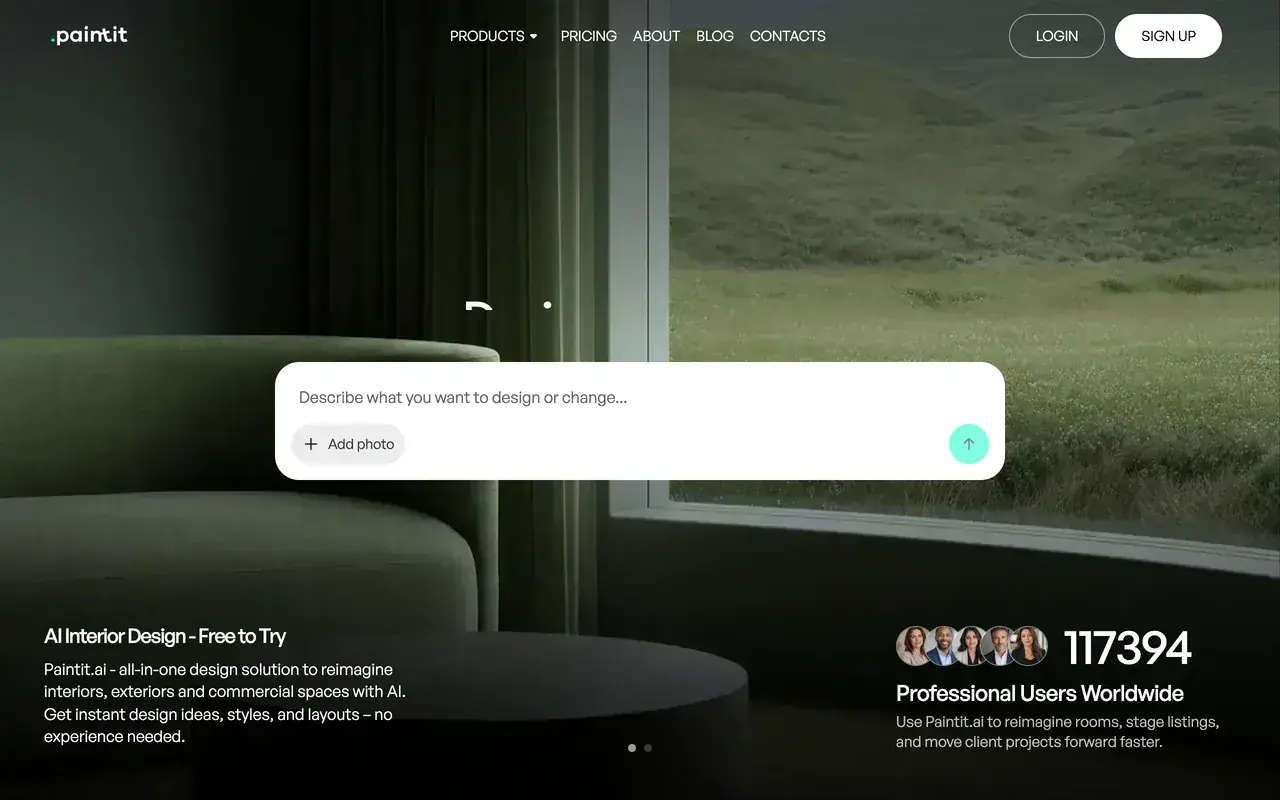
Paintit.ai claims 117,394 professional users on its homepage. The free tier is 30 credits, the largest no-card allowance in this test.
Best for: Prompt-led design · Free tier: 30 credits · Paid from: $14.99/mo · Keeps plumbing: Sometimes · Shoppable: Suggestions only
Prompt-driven rather than preset-driven, which suits anyone comfortable writing a brief. The free tier is 30 credits at 1K resolution and it advertises real furniture suggestions, which is rarer than it should be. The paid Starter tier was listed at 14.99 dollars a month, discounted from 29.99.
The catch: the pricing page lives at an unusual URL and the advertised discount is permanent enough that the list price is close to fictional. Output drifted from the brief more than ReimagineHome did.
4. Spacely AI, the strongest for professionals
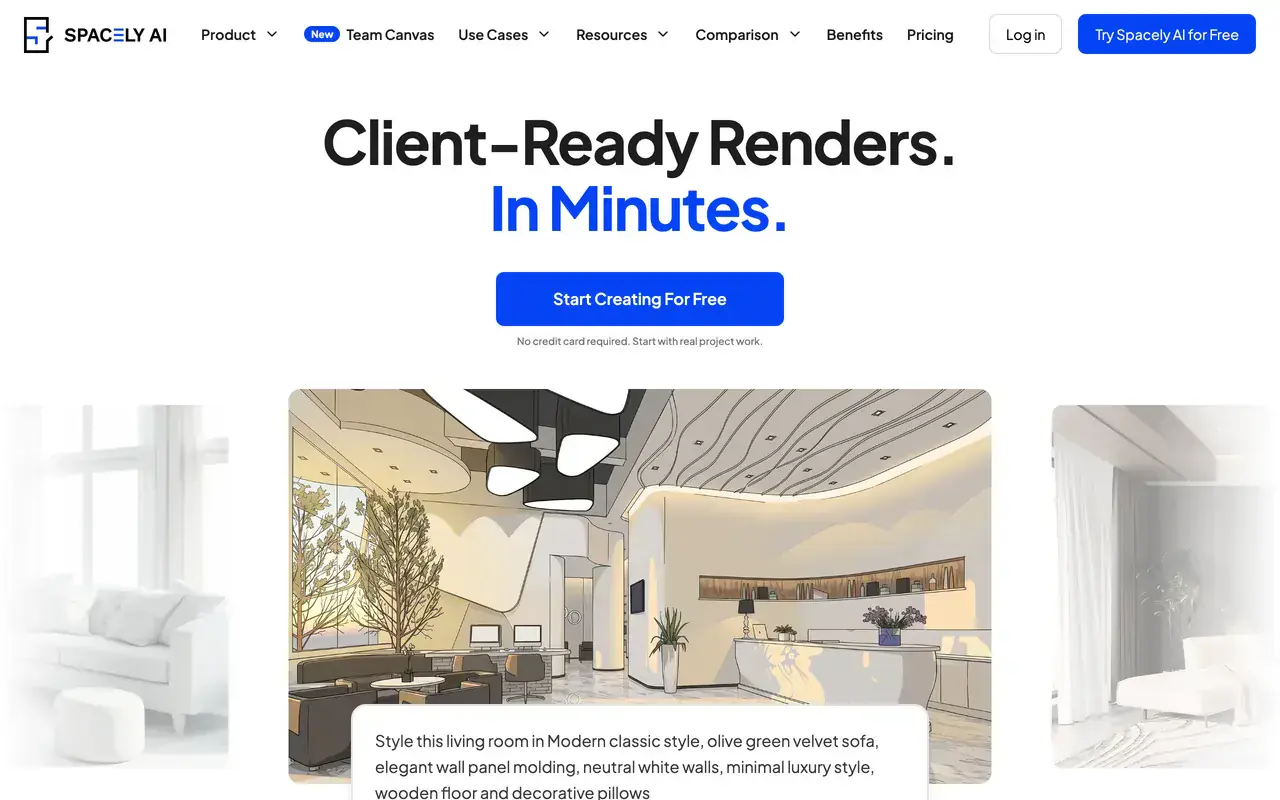
Spacely gives 40 trial credits free, then 20 dollars a month for 500 credits, which it rates at roughly 250 renders.
Best for: Design professionals · Free tier: 40 credits · Paid from: $20/mo · Keeps plumbing: Usually · Shoppable: No
Aimed squarely at designers, with sketch-to-render, private mode and a commercial licence even on the free tier. The bathroom output was among the most controlled in the test, and the credit maths is unusually transparent: 500 credits a month at 20 dollars, which Spacely rates at about 250 renders.
The catch: a real learning curve. If you want one bathroom restyled this evening, this is more tool than you need.
5. RemodelAI, the widest tool set
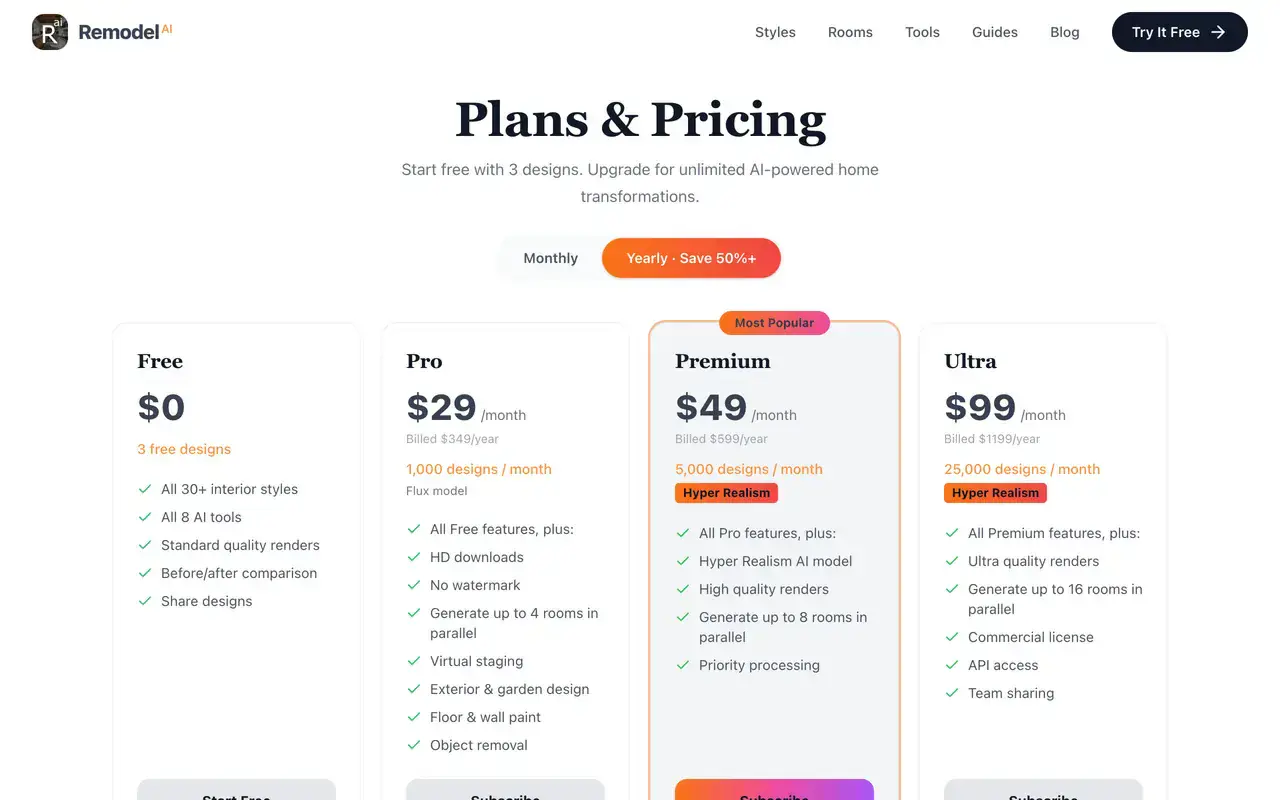
RemodelAI bundles virtual staging, exterior design, object removal and floor and wall paint into the Pro tier at 29 dollars a month.
Best for: Breadth of tools · Free tier: 3 designs · Paid from: $29/mo · Keeps plumbing: Sometimes · Shoppable: No
The most feature-dense of the restylers: 30 plus styles, object removal, exterior and garden design, and paint tools all in one subscription. Free tier is 3 designs, Pro is 29 dollars a month billed at 349 a year, Premium 49 a month with a hyper-realism model.
The catch: 3 free designs is barely a test drive, and breadth comes at the cost of depth on any single room. The bathroom presets were noticeably weaker than the living room ones.
6. MyArchitectAI, unlimited renders if you commit
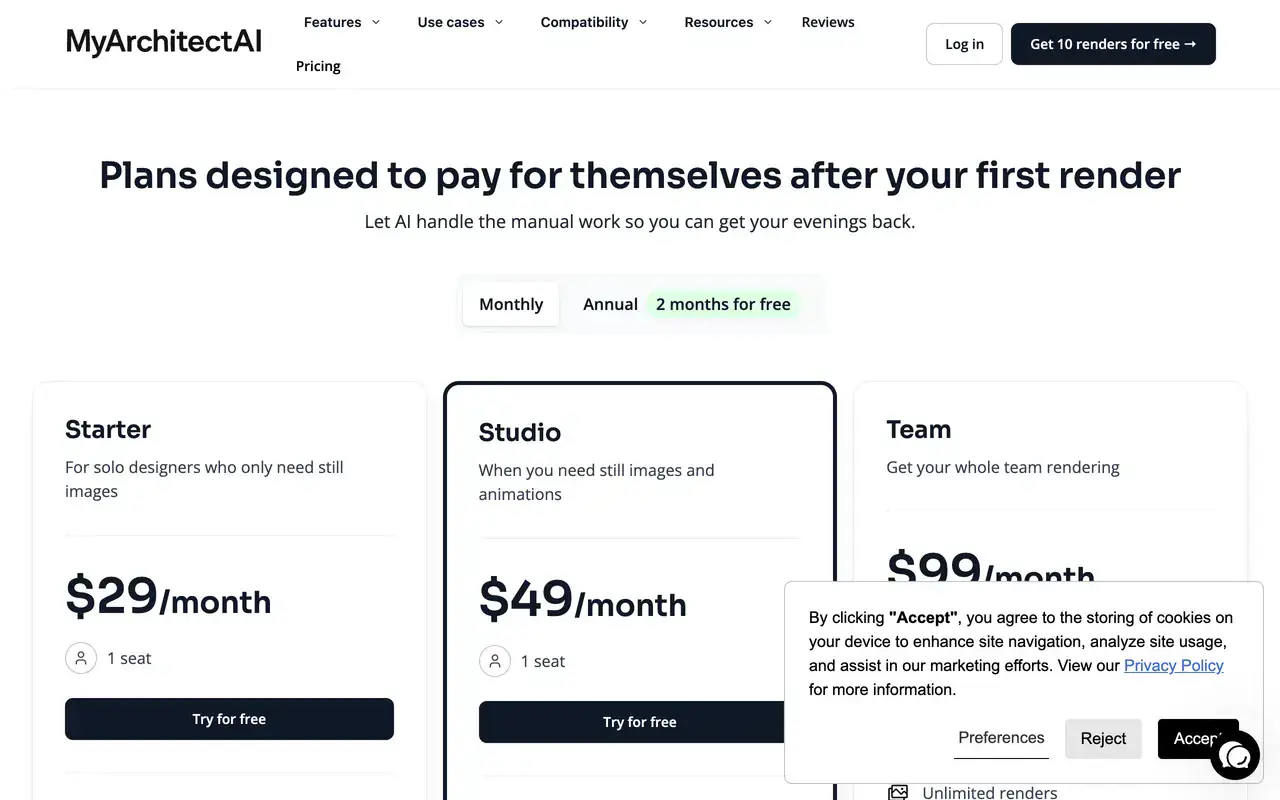
One of the few tools here selling unlimited renders rather than credits, at 29 dollars a month for a single seat.
Best for: Unlimited iteration · Free tier: 10 renders · Paid from: $29/mo · Keeps plumbing: Sometimes · Shoppable: No
10 free renders, then 29 dollars a month for unlimited renders, unlimited edits and 4K downloads. If you are iterating heavily on one bathroom, unlimited beats credits quickly. Aimed at architects, so it is happier with a sketch or a model than a phone photo.
The catch: photo-in, photo-out restyling of an existing bathroom is not its strength. Feed it a snap of your pink tile and it wants to design a new building.
7. Home Design AI, cheapest credible entry price
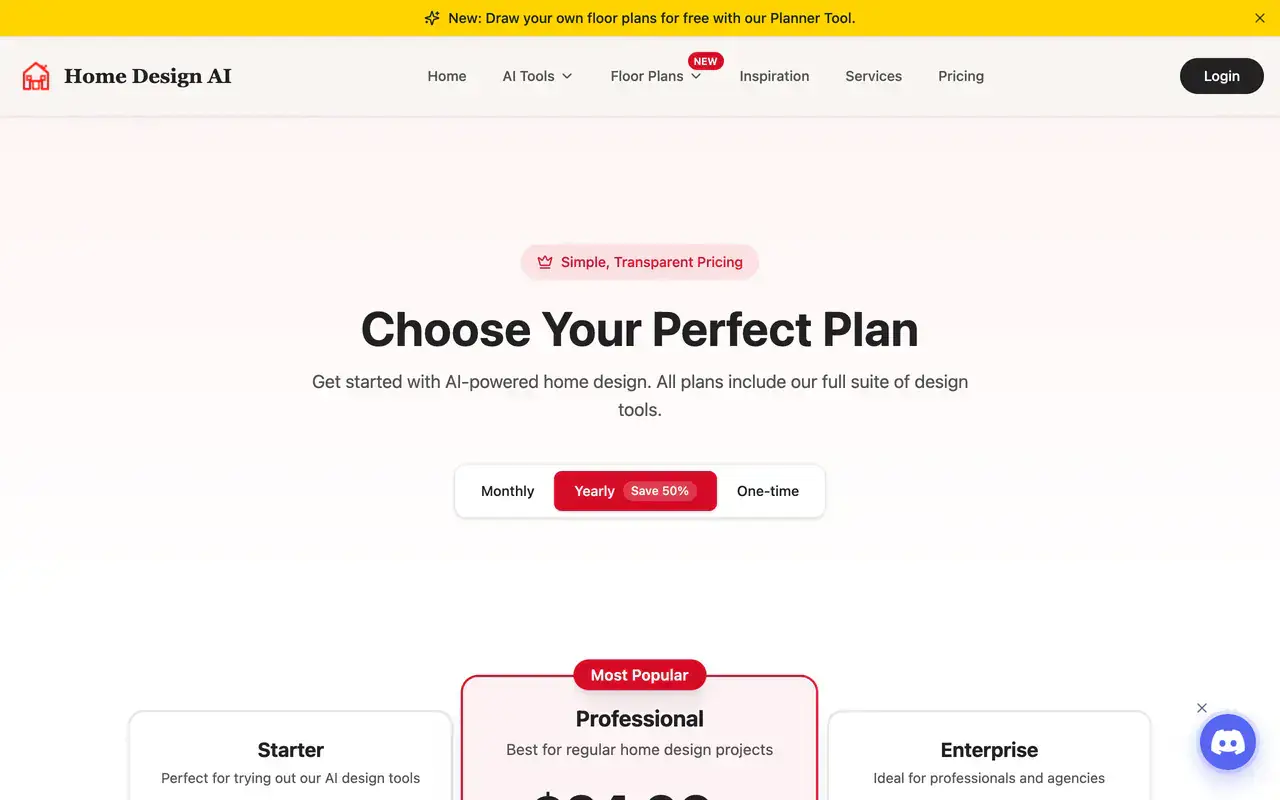
9.99 dollars a month for 200 credits, with DXF export and a free floor plan drawing tool, which is unusual at this price.
Best for: Cheap entry price · Free tier: Credits · Paid from: $9.99/mo · Keeps plumbing: Sometimes · Shoppable: No
The best value on paper: 9.99 dollars a month for 200 credits with 4K export, commercial rights and DXF output, plus a free floor planner. It is also the closest competitor to us on domain strength, so I went in expecting to be beaten and was not, on the shopping test at least.
The catch: credits expire monthly, the basic and pro generations are metered separately, and bathroom output was inconsistent between runs of the same brief.
8. Canvus AI, cheap but not a bathroom tool
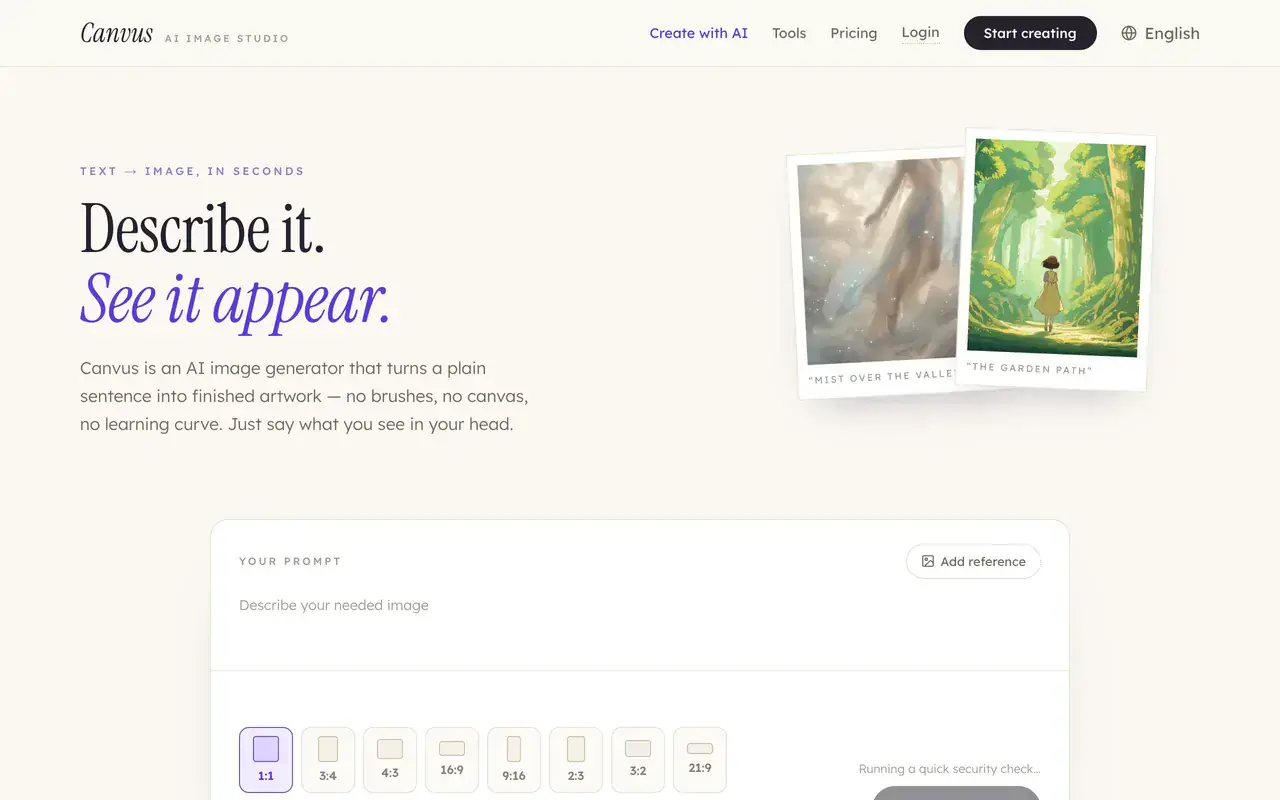
Canvus is a general AI image studio that ranks for bathroom queries. Useful to know before you sign up expecting a remodel tool.
Best for: General image work · Free tier: 1 image/mo · Paid from: $5.99/mo · Keeps plumbing: No · Shoppable: No
It ranks well for bathroom searches, so it belongs in an honest list, but it is a general image studio rather than an interior tool. 5.99 dollars a month for 50 images, and the free tier is a single watermarked image a month.
The catch: no concept of your existing room, no layout retention, no shopping. It generates bathrooms, it does not redesign yours.
9. Planner 5D, for measuring rather than styling
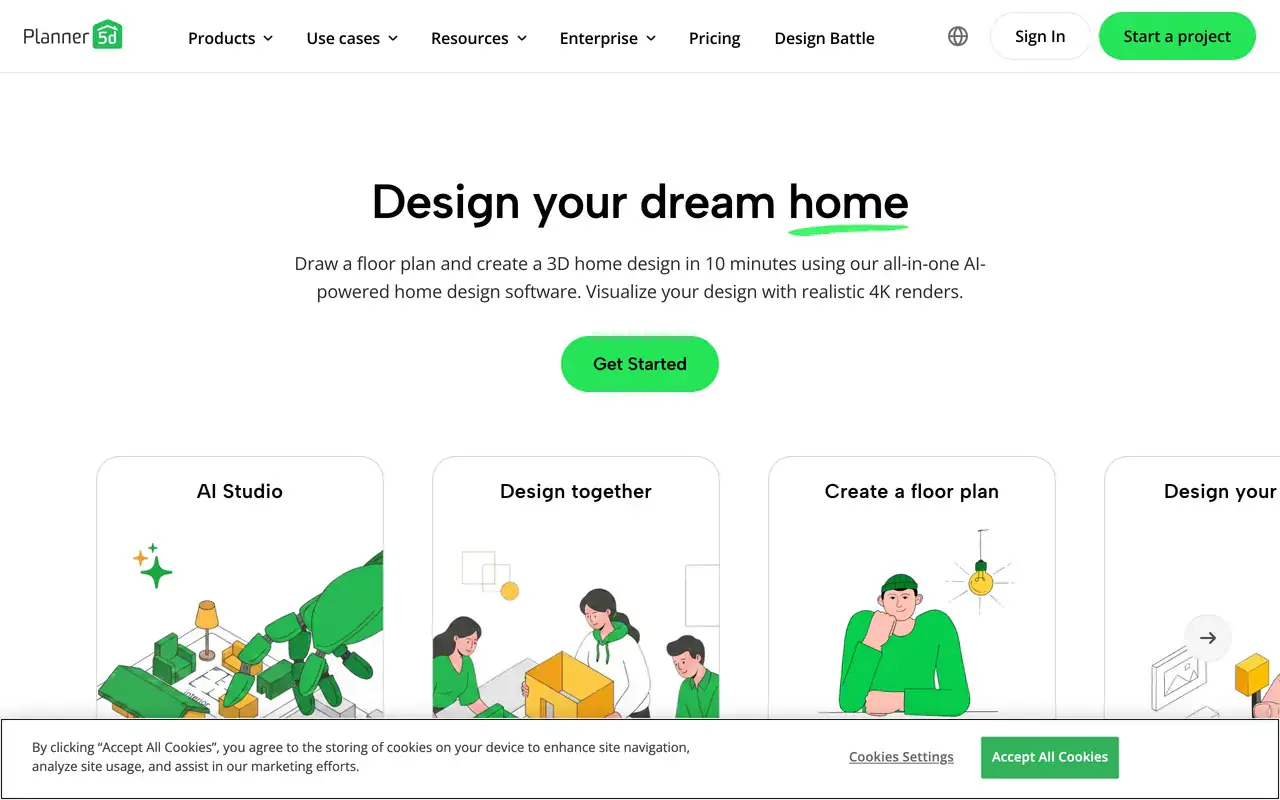
Planner 5D is a proper 3D planner with a free tier and Premium from 4.99 euros a month.
Best for: Measuring the room · Free tier: Yes · Paid from: €4.99/mo · Keeps plumbing: You draw it · Shoppable: Catalogue only
Genuinely useful for the job the restylers cannot do: building a dimensioned 3D shell of your bathroom and testing whether the vanity and door swing actually coexist. Free tier allows unlimited projects with half the furniture catalogue, Premium is 4.99 euros a month.
The catch: the renders look like a game, not a photograph. Use it for the plan and something else for the look.
10. RoomSketcher, the floor plan specialist
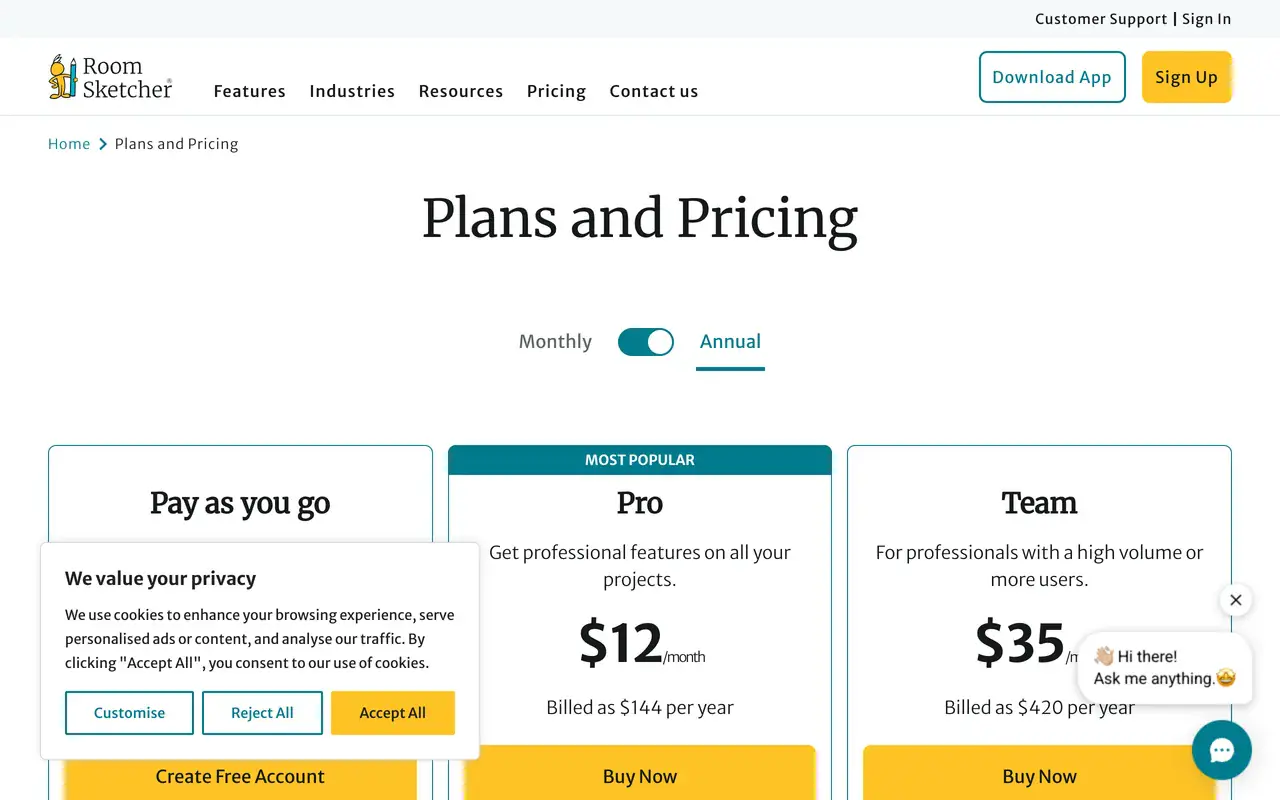
RoomSketcher is a 2D and 3D floor plan tool at 12 dollars a month, not a photo restyler. Its own blog is refreshingly sceptical about AI floor plans.
Best for: Floor plans · Free tier: Yes · Paid from: $12/mo · Keeps plumbing: You draw it · Shoppable: No
Strong 2D and 3D floor plans, 12 dollars a month billed annually, with a free tier and pay-as-you-go floor plans at 38 dollars a level. Worth respecting for publishing a blog post about Gemini making strange choices on floor plans rather than pretending AI solves everything.
The catch: it is not an AI bathroom design tool in the sense most people searching that phrase mean. No photo restyling.
11. Artificial Studio, a generalist that wandered in

More than 50 AI tools in one subscription, none of which are built for bathrooms. It ranks for the query anyway.
Best for: Generalist AI work · Free tier: Yes · Paid from: Varies · Keeps plumbing: No · Shoppable: No
A 50-plus tool AI platform covering video, image, music and branding. It appears in bathroom search results and produces bathroom images, which is not the same as designing a bathroom.
The catch: nothing here understands a room. Included for completeness because it ranks, not because I would use it.
Genroom, which I could not test
Genroom.io ranks on the first page for bathroom AI queries and I could not review it, because the site returned a Cloudflare 502 bad gateway on every attempt across the testing window on 1 August 2026, at 07:55 and again at 08:00 UTC. That may well be a temporary outage on a perfectly good product. I am noting it rather than scoring it, because a tool I could not open is a tool I cannot recommend.
What almost all of them get wrong
After enough runs a pattern set in, and it was the same pattern in nearly every tool.
- They move the plumbing. Ask for a restyle and half of them relocate the toilet, swap the bath for a walk-in shower or slide the window. Visually it improves the composition. Financially it changes the job from a refit into a rebuild.
- They lose the tile grid. Grout lines drift, change scale across the floor, and stop meeting at internal corners. It is the fastest way to spot an AI bathroom, and it is worse in bathrooms than anywhere else in the home.
- They invent every fitting. The tap, the tile, the vanity and the light are usually beautiful and usually fictional. That is fine for a mood board and useless for a quote.
- They fake the mirror. Look closely at the reflection in any of these renders. It rarely shows the room the mirror is actually facing.
- They ignore clearances. No tool here warned me when a layout left too little space in front of the toilet. If clearance matters, our guide to small bathroom layout dimensions has the real numbers.
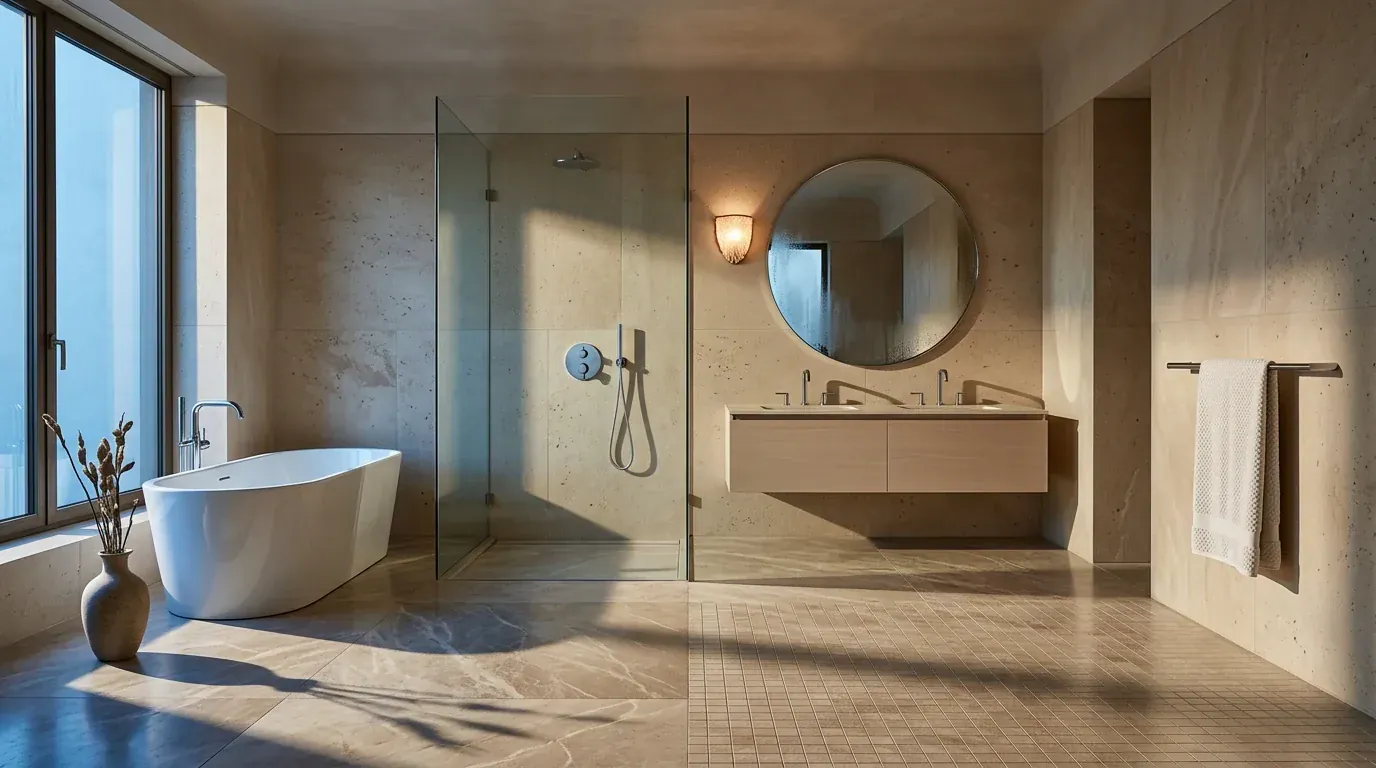
Gorgeous on the first pass. Then you notice the floor tile switches from large stone slabs to a small mosaic grid halfway across the room, and the shower screen is a single pane ending in mid air with nowhere for the water to go.
The one thing that made every tool better
Style dropdowns produced the weakest results in the entire test. Typing a material brief produced the strongest, in every single tool that allowed it. Compare "modern bathroom" against "large-format warm greige porcelain to ceiling, wall-hung oak vanity, matte black brassware, frameless fixed glass screen, warm 2700K lighting" and the second one is not slightly better, it is a different category of output. The same principle we covered in AI interior design prompts that actually work applies here, only more so, because bathrooms are mostly material.
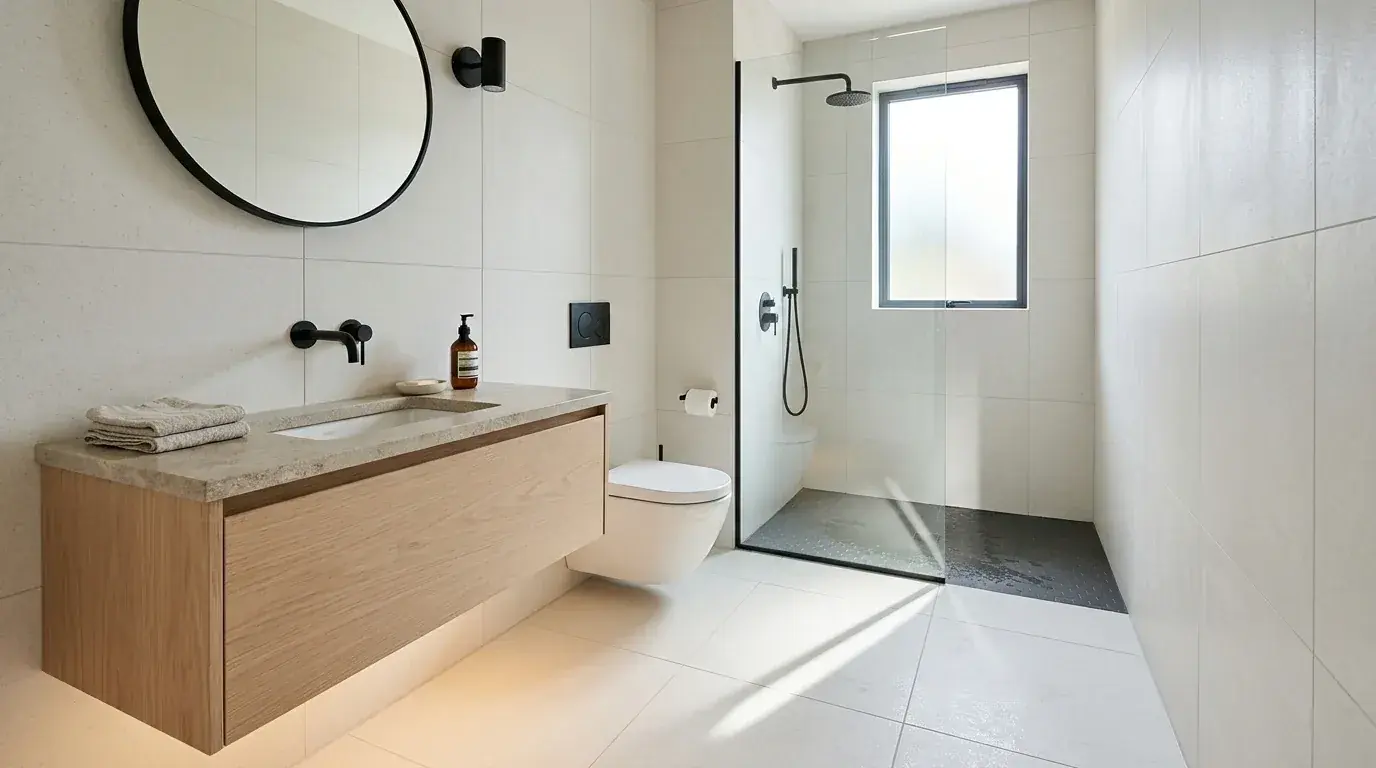
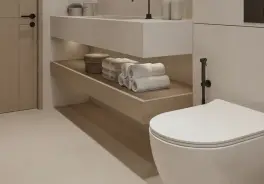
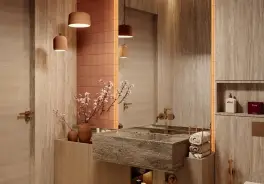
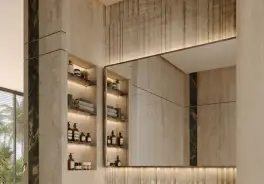
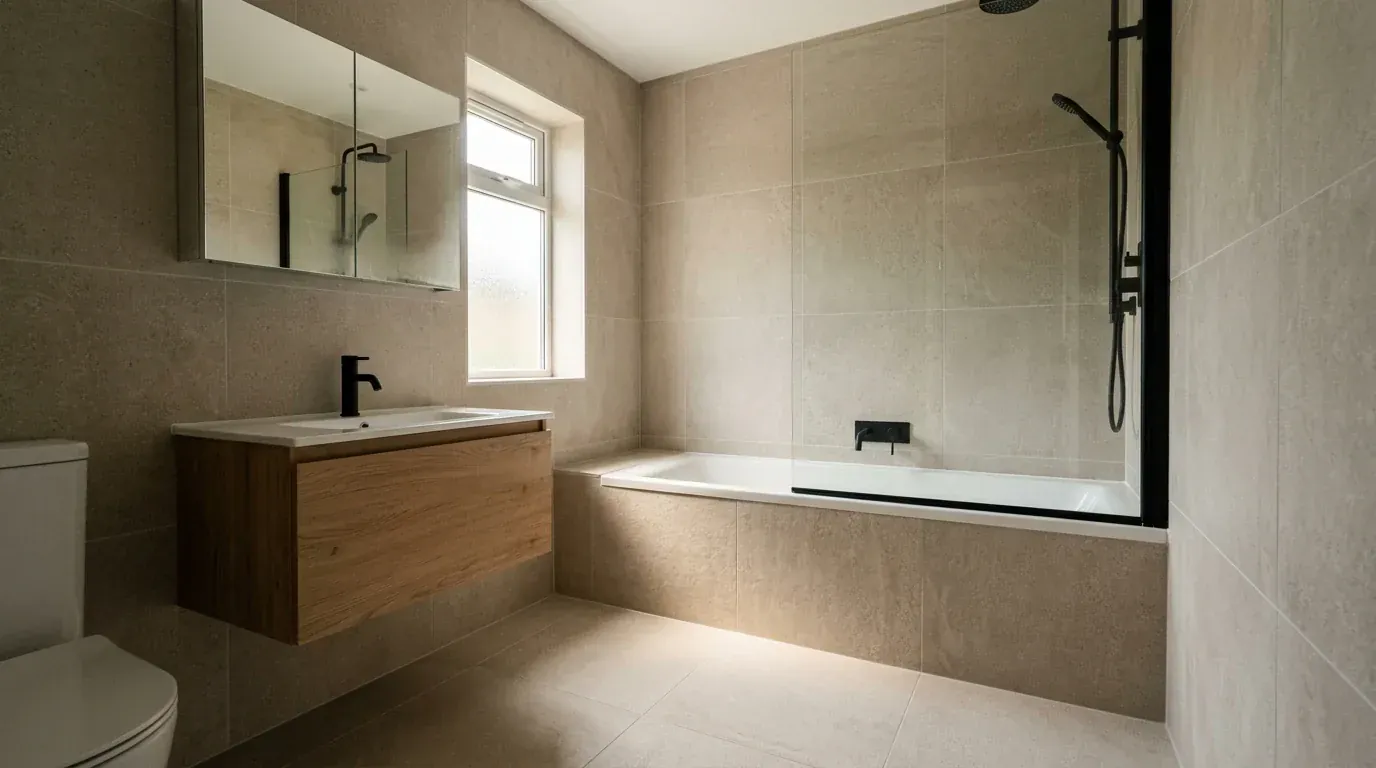
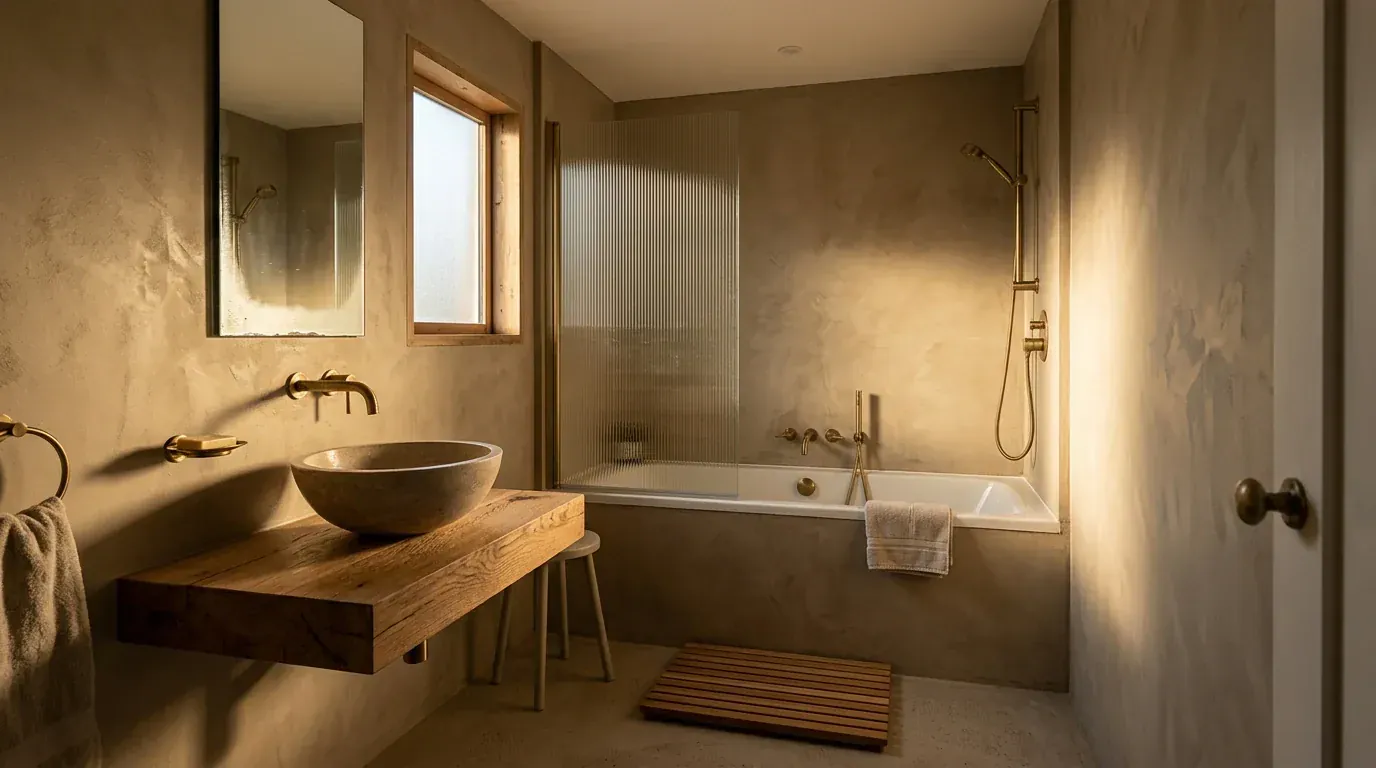
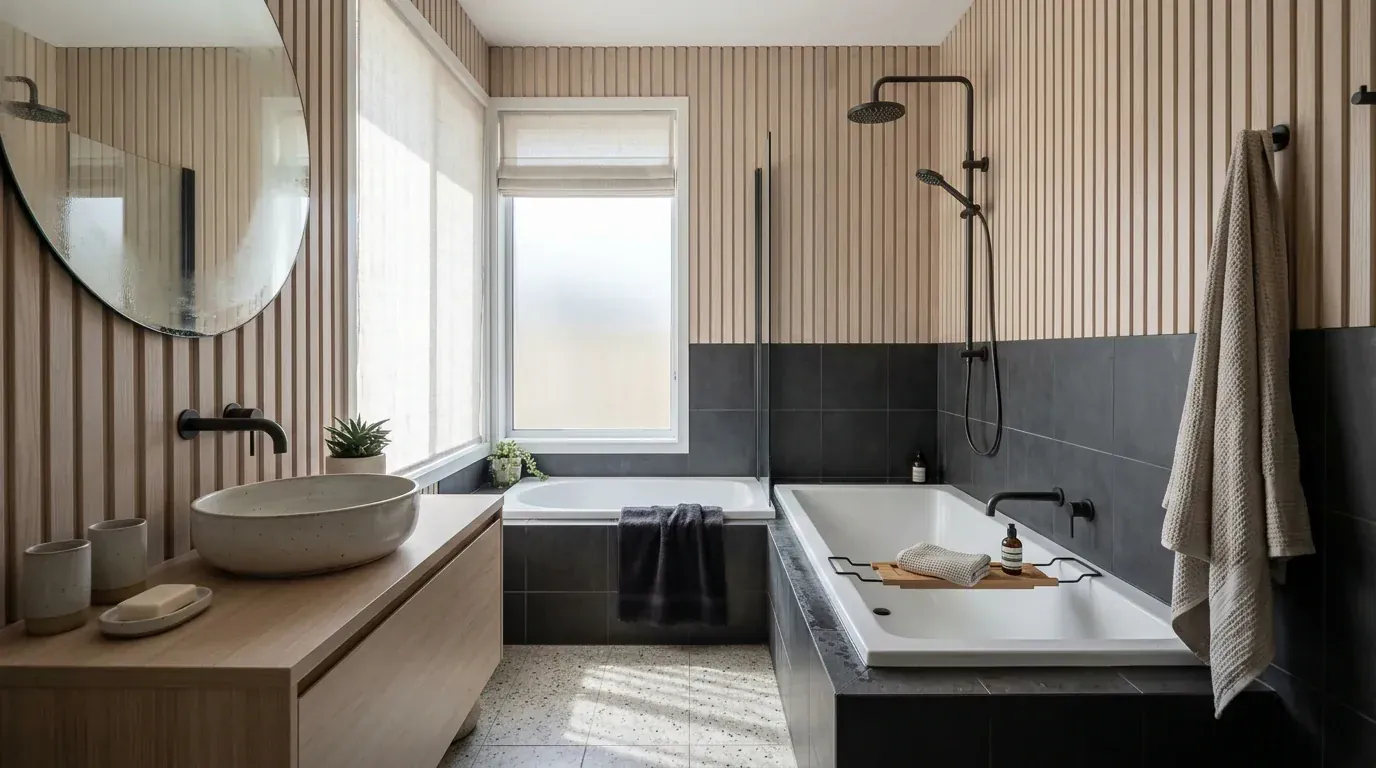
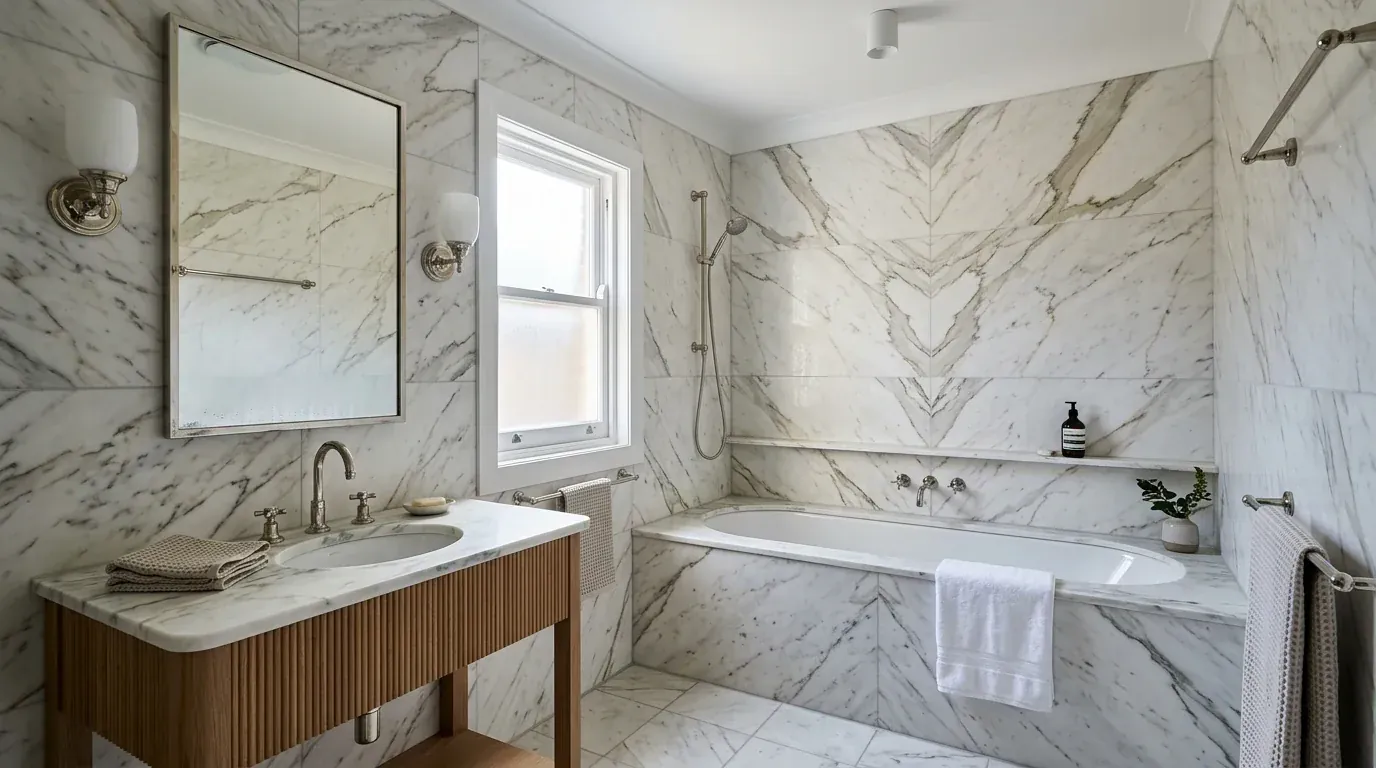
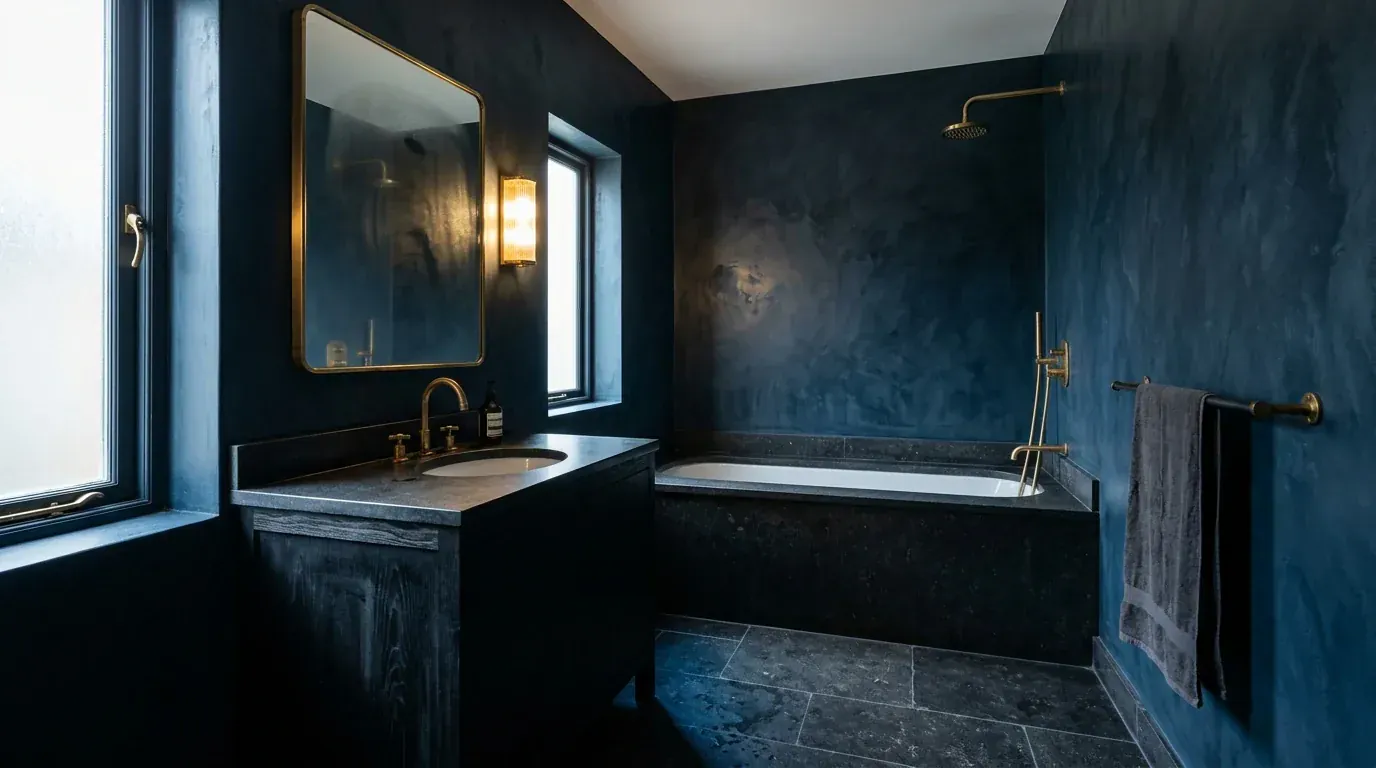
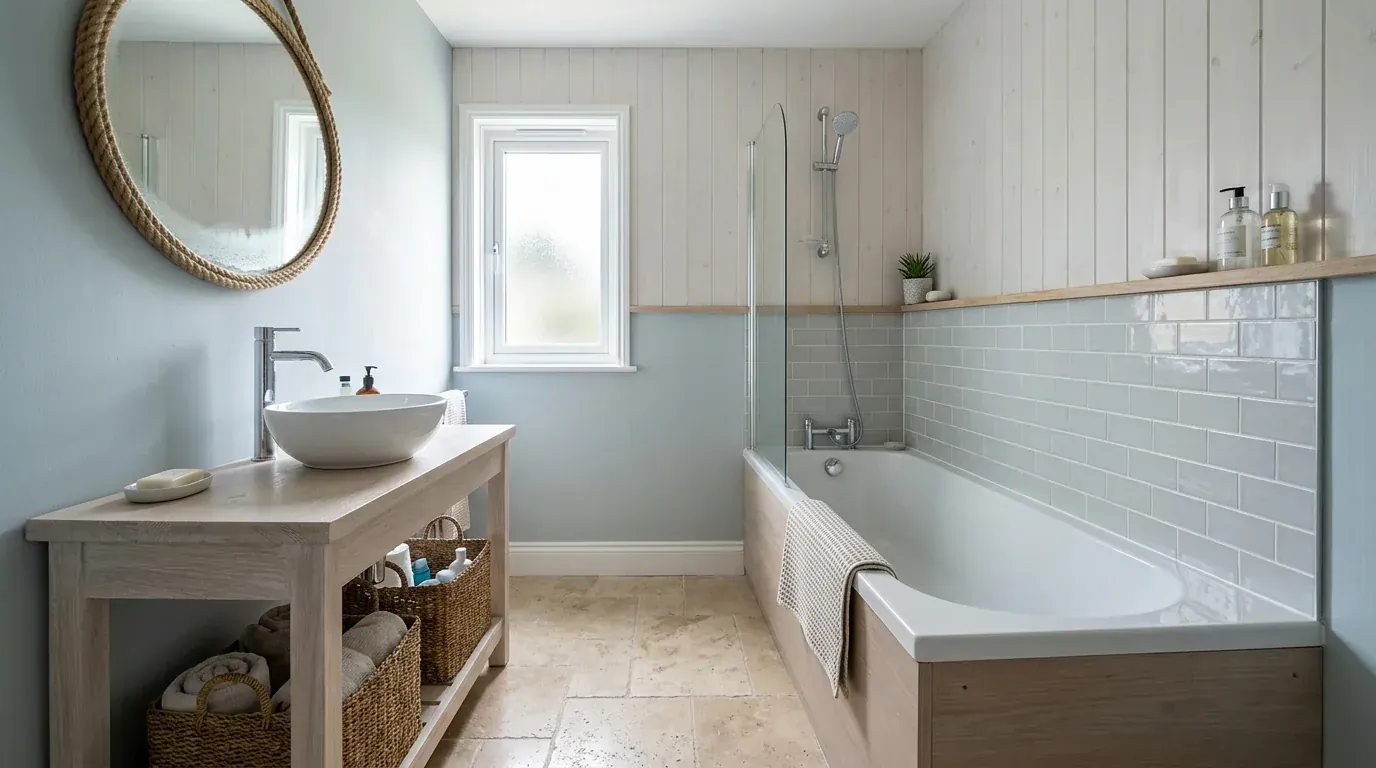
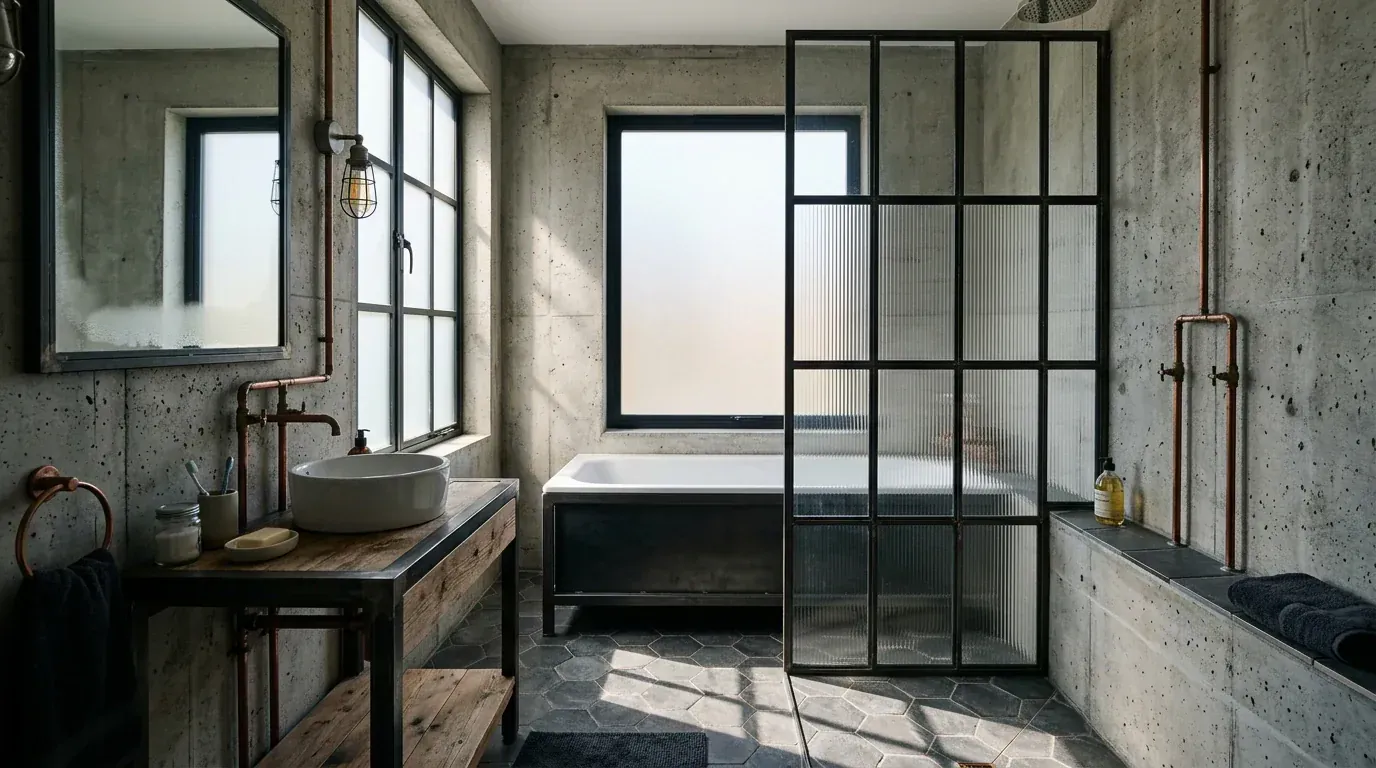
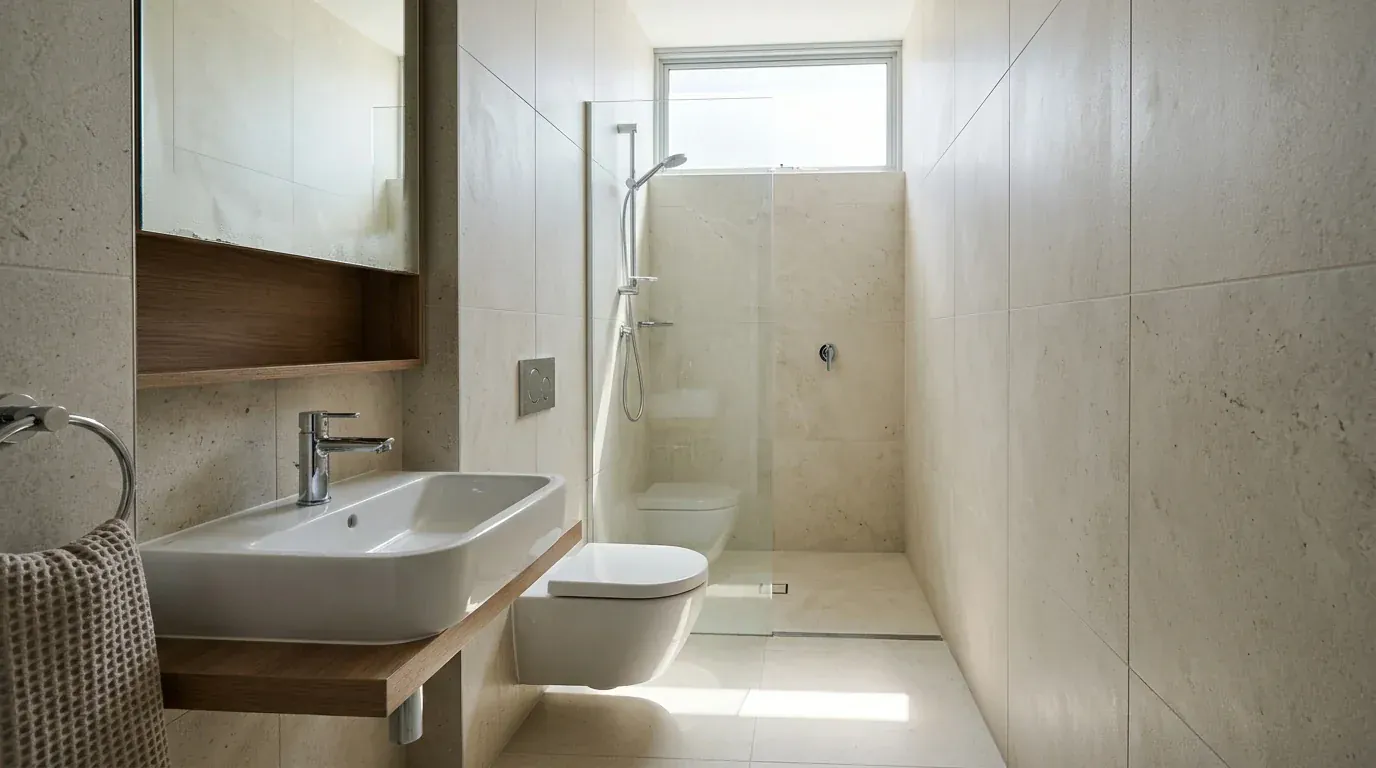
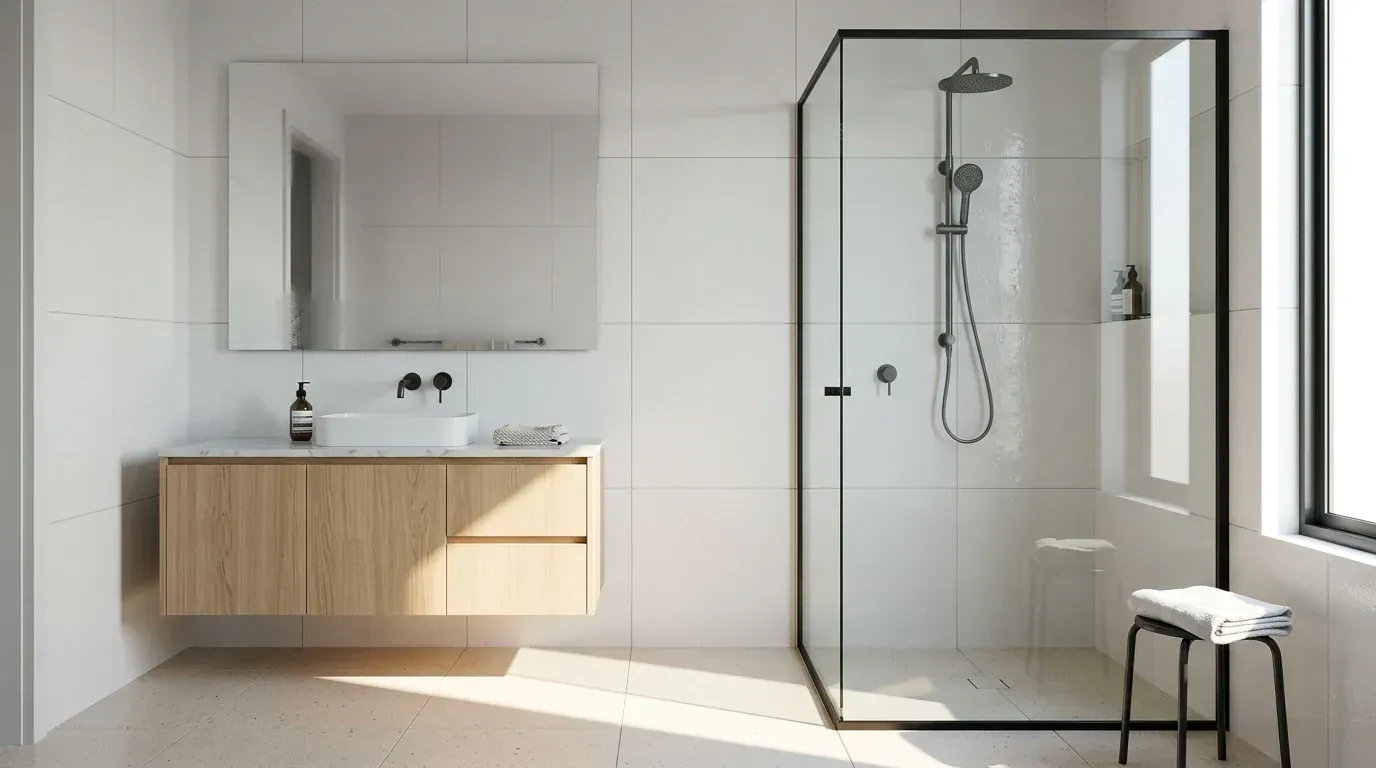
Naming your light source helps too. Bathrooms are usually lit by one small window, and a model told where the light comes from produces believable shadows instead of the flat, evenly lit look that makes a render feel synthetic. That is the difference between the two images below and the failure cases above, and it is unpacked properly in the anatomy of a photorealistic interior render.
What this actually saves you
The honest case for an AI bathroom tool is not that it replaces a designer. It is that a bathroom is the room where a bad material decision is most expensive to reverse, and 20 dollars of renders is a cheap way to find out you hate the tile before it is grouted.
The 26,138 dollar figure and the 80 percent resale recoup are from Remodeling magazine's 2025 Cost vs Value report for a midrange 5 by 7 foot bathroom. The per square foot band reflects 2026 contractor pricing guides.
For scale on how much of that is finishes rather than structure, the NKBA's KBIS 2026 Bath Trends Report, built on responses from nearly 700 North American industry professionals, tracks 18 bath design trends and 12 product categories. Almost all of it is material choice, which is precisely the part AI can help you rehearse. If you want the wider cost picture across the whole home, we broke it down in what it costs to furnish a house.
How to shoot the photo, because it decides everything
Half the bad results I got were my fault, not the tool's. Bathrooms are small, dark and full of reflective surfaces, which is the worst possible input for a vision model. Four things fixed most of it:
- Open the door and shoot from the doorway. You need the whole room in one frame. A photo of one corner produces a redesign of one corner.
- Daylight only, lights off. Mixed colour temperature between a warm ceiling light and a cool window is the single biggest cause of muddy output.
- Clear every surface. Leave a shampoo bottle on the bath edge and several tools will faithfully rebuild it, occasionally as built-in joinery.
- Wipe the mirror and the screen. Limescale reads as texture, and texture gets amplified.
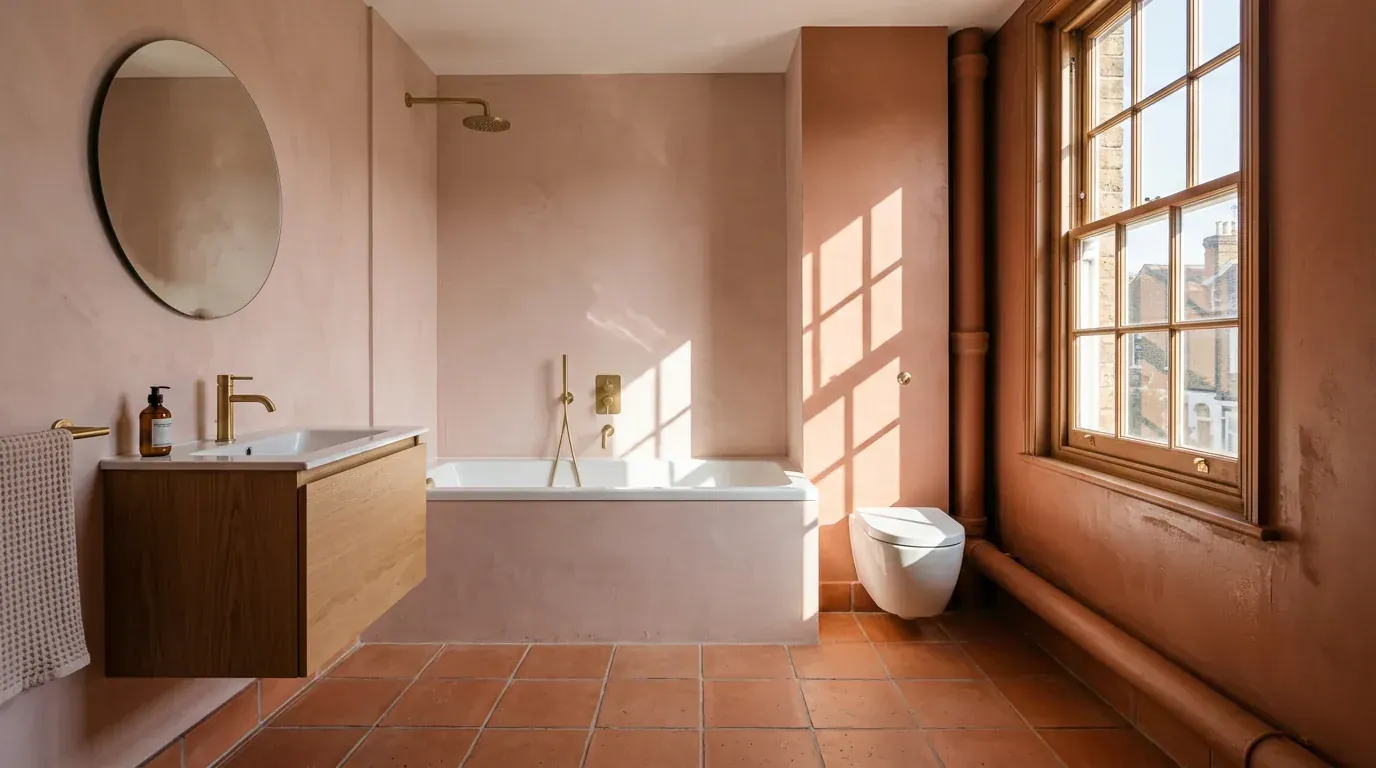
What a good result looks like structurally: the boxing behind the toilet, the window and the bath recess are all original. Only the finishes changed. That is a quote you can hand to a fitter.
Which one I would actually use
If you want one free render tonight to settle an argument about tile colour, use ReimagineHome and spend nothing. If you are a designer producing client work, Spacely AI is the better instrument. If you are drawing a layout rather than choosing finishes, Planner 5D or RoomSketcher, and neither of them is really an AI tool.
If you are genuinely remodelling and want the render to turn into a shopping list, that is the gap the rest of this category has left open, and it is the reason we built ours. Upload a photo of your bathroom and see it in eight styles with the fittings priced. Then go and check the clearances properly, because no tool here will do that for you.
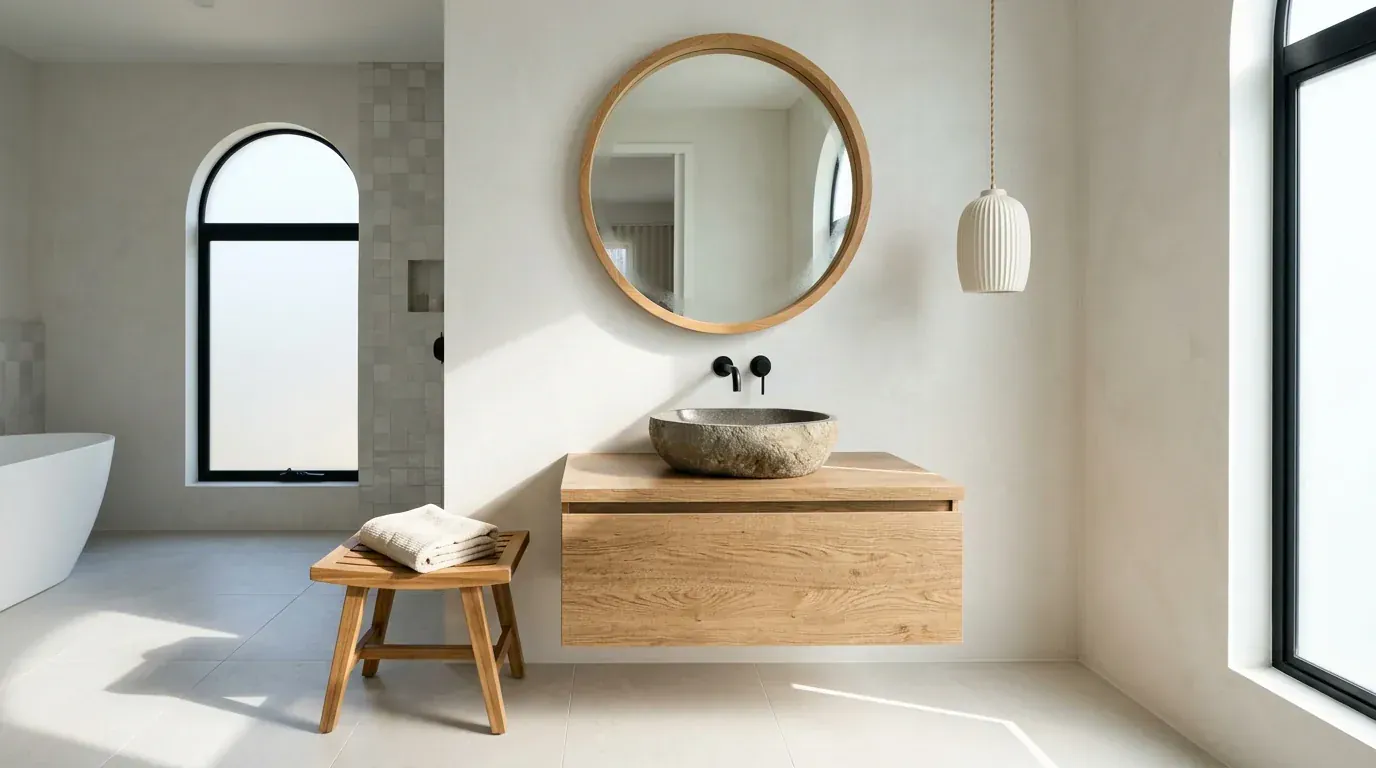
The end state worth aiming for: a result where each piece reads clearly enough to identify, price and buy. Everything else is a mood board.
Frequently asked questions
What is the best AI bathroom design tool?
It depends on whether you want a picture or a plan. For fast, free restyles of a bathroom you already own, ReimagineHome and Paintit.ai are the easiest to start with. For architectural output aimed at professionals, Spacely AI and MyArchitectAI are stronger. For an actual remodel you intend to build and buy, MeltFlex was the only tool in our test that held the existing plumbing positions and linked the vanity, mirror and lighting to real products with prices. Judge the tool against which of those three jobs you are doing, because no single one wins all three.
Is there a free AI bathroom design tool?
Yes, and every tool we tested had some free entry point, though the size of it varies enormously. ReimagineHome gives new users 5 free designs, Paintit.ai starts you with 30 credits, Spacely AI hands out 40 trial credits, RemodelAI allows 3 free designs and MyArchitectAI gives 10 free renders. Canvus is the stingiest at one watermarked image a month. Planner 5D and RoomSketcher have genuinely free tiers but they are 3D planners rather than photo restylers, so the free output looks like a model rather than a photograph.
Can AI redesign my bathroom from a photo?
Yes, and it is the single most useful thing these tools do. You upload a photo of your bathroom, choose a style, and the tool returns the same room with new tile, brassware, vanity and lighting. The quality of the result is decided by the photo more than by the tool. Shoot in daylight with the door open, get the whole room in one frame rather than one corner, clear the shampoo bottles off the edge of the bath, and wipe the mirror. A wide, clean, well-lit photo produces a dramatically more believable redesign than a dim phone snap taken over the toilet.
Can AI bathroom tools keep my plumbing where it is?
Some can, most only pretend to. This is the test that separates a useful bathroom tool from a pretty one, because moving a soil pipe or relocating a shower drain is the single most expensive decision in a bathroom remodel. In our test the weaker tools cheerfully slid the toilet to a different wall, swapped the bath for a walk-in shower and moved the window, which produces a lovely image of a bathroom you cannot afford to build. Before you fall in love with a render, check the window, the soil pipe boxing and the drain positions against your real room.
Do AI bathroom tools show tiles and vanities I can actually buy?
Almost none of them do, and it is the biggest gap in the category. The typical output is a beautiful bathroom full of tile, taps and vanities that exist in no catalogue anywhere, so you are left holding a mood board and a lot of guesswork. MeltFlex detects the pieces in the result and links them to real products with prices from retailers including IKEA, Amazon, Wayfair and Ashley. Paintit.ai advertises real furniture suggestions on its free tier. For everything else, treat the render as a direction to brief a supplier with, not a shopping list.
How much does a bathroom remodel cost in 2026?
Remodeling magazine put the national average for a midrange bathroom remodel at 26,138 dollars in its 2025 Cost vs Value report, for a 5 by 7 foot bathroom with a new bath, toilet, vanity, fixtures and recessed cabinet, recouping about 80 percent of that at resale. Contractor pricing for 2026 commonly lands around 180 to 280 dollars per square foot for midrange work. Against those numbers, an AI subscription at 5 to 30 dollars a month is rounding error, which is the honest argument for using one: not that it saves you the designer, but that it stops you paying for a tile choice you hate.
What bathroom styles does AI handle best?
AI is most reliable on styles with clear, repeatable material rules: warm modern with large-format tile and matte black brassware, spa schemes in micro-cement and brass, Japandi with pale timber battens and charcoal tile, and classic marble. It is weakest on anything ornate, period-specific or heavily patterned, where it invents details and loses the tile coursing. Our tool page runs eight curated bathroom styles including Modern Spa, Marble Classic, Industrial, Coastal, Moody Dark and Microcement, and typing a specific material brief beats picking a one-word style every time.
Can AI design a small bathroom?
It can visualise one well and plan one badly. AI is genuinely useful for testing whether pale large-format tile, a wall-hung vanity and a frameless screen will make a tiny room read larger, because that is a question about light and surface rather than measurement. What it will not reliably do is respect real clearances, so a render can show you a beautiful compact bathroom with 40 centimetres in front of the toilet that no building inspector would sign off. Use AI for the look and a dimensioned plan for the fit.
Keep reading
- AI bathroom design prompts, 34 copy-paste prompts for when you would rather drive a general model yourself than use one of the tools here.
- Bathroom design ideas, the ideas-led companion to this tool test.
- Small bathroom layout dimensions, the real clearances no AI tool will check for you.
- Bathroom mirror ideas, since the mirror is the piece AI most often gets wrong.
- Best AI kitchen design tools, the same test run on the other wet room.
- Best AI interior design tools compared, the whole-home version of this experiment.
- Free AI interior design tools tested, if budget is the only thing that matters.
- Visualise your renovation before starting, for the wider remodel workflow.
- AI interior design vs hiring a designer, what each route really costs.
- Choosing paint colours with AI, for the wall above the tile.
- Flooring trends 2026, if the bathroom floor is part of a bigger job.



%3A%2011%20Tested%20on%20Real%20Tile)