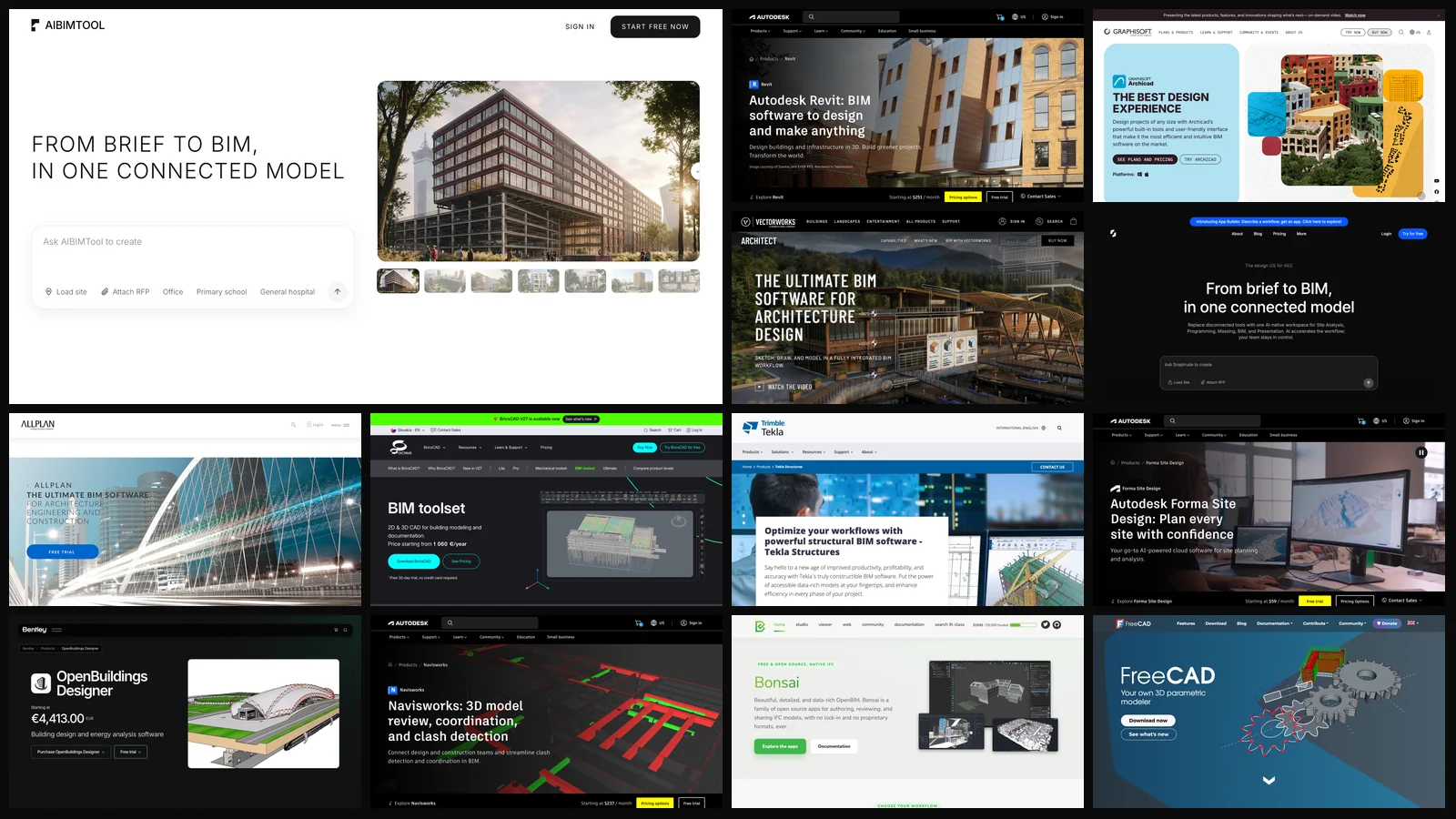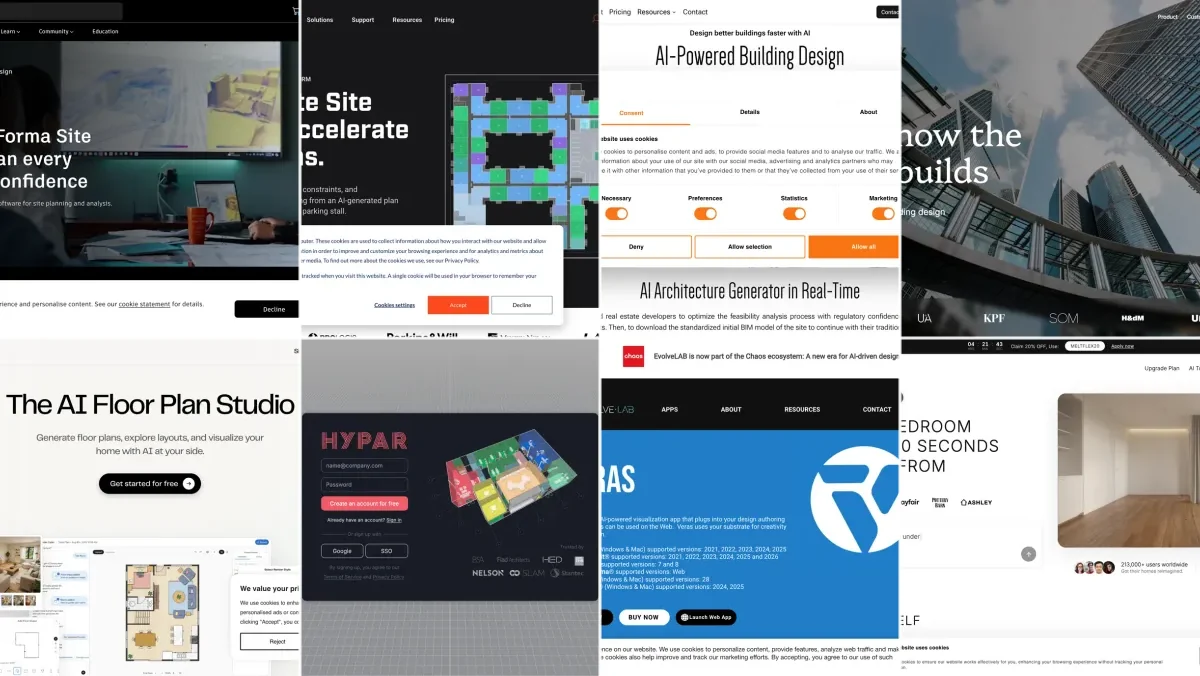
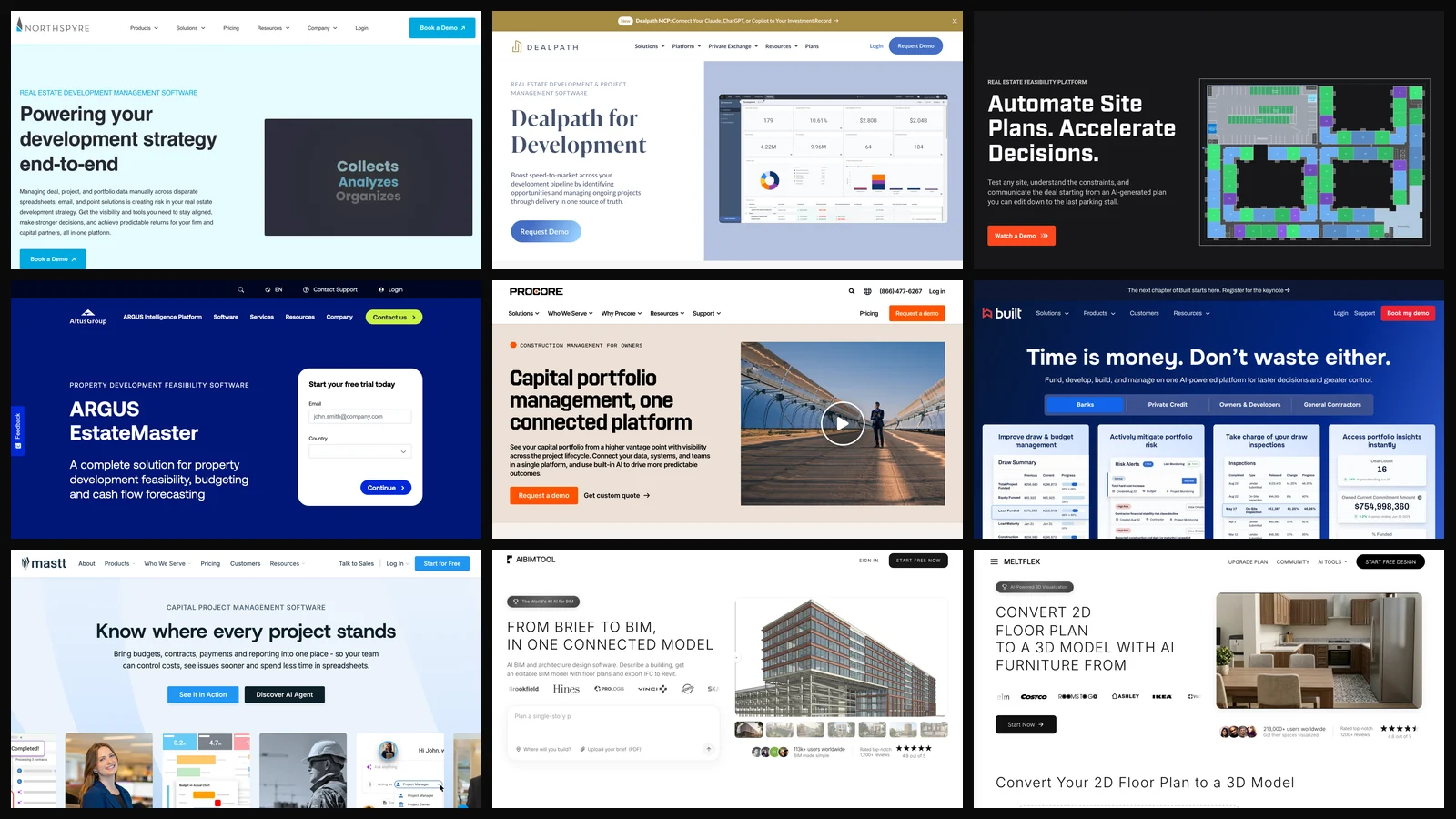
AIBIMTool is our top pick for real estate development in 2026: it turns a site picked on a map and a written brief into a program, massing and an editable BIM model you can export to Revit, Archicad or Rhino, with the first building free (it is made by the company behind this blog). To run budgets, invoices and draws after that, Northspyre is the best development management platform. For the other phases: Dealpath for the deal pipeline, TestFit for site plans and parking, ARGUS EstateMaster for the pro forma, Procore once you break ground and Juniper Square for your investors.
Our articles are still written by humans!
Get human written articles in your Google feed.
What this post is: eleven vendor sites opened and captured on 31 October 2026, every price and product claim taken from the vendor’s own page that day, then checked against what users say on G2, Capterra and the App Store and what the companies have said in their own press releases. Where those disagree with the landing page, we say which one we believe. What it is not: a hands-on trial of eleven enterprise platforms, most of which sit behind a sales demo. The last section lists what we could not verify.
The short version
- Our top pick, from site and brief to a BIM model: AIBIMTool, free for the first building, then $49/mo yearly, IFC4 export. New, with no independent reviews yet.
- One system for the project’s money: Northspyre. Quote only, annual contracts.
- Deal pipeline and investment committee: Dealpath, which now connects to Claude, ChatGPT and Copilot over MCP.
- Will this site pencil? TestFit for the site plan, ARGUS EstateMaster for the numbers.
- Cheapest serious option: Mastt, free to start and $165 per project a month after that.
- Not development management tools: MeltFlex, which makes sales visuals. It ranks last for that reason.



What Is the Best Real Estate Development Software in 2026?
AIBIMTool for getting from a site and a brief to a building you can test, and Northspyre for running the project’s money from acquisition to stabilization. Everything else on this list is either narrower (one phase done very well) or adjacent (investors, parcels, visuals). The honest way to compare them is by the job each one does, so that is how the table is sorted.
Six of the eleven do not publish a price, which is normal for software sold to developers and still worth saying out loud: you will be on a sales call before you see a number. The four that do publish (TestFit, Mastt, Regrid, AIBIMTool and MeltFlex) are the ones you can try this afternoon.
What Does Real Estate Development Software Actually Do?
It replaces the spreadsheets, email threads and shared drives a development team uses to decide whether to buy a site, what to build on it, how to pay for it and how much of the budget is left. No single product covers all of that well, which is why most firms end up with two to four tools that each own a phase.
The reason the category exists is that development budgets slip. McKinsey’s 2016 analysis put it bluntly: “Large projects across asset classes typically take 20 percent longer to finish than scheduled and are up to 80 percent over budget.” The money at stake is large: the US Census Bureau estimated private construction spending at a seasonally adjusted annual rate of $1,655.3 billion in August 2026. And the AI layer every vendor now advertises is still mostly experimental. In JLL’s 2025 technology survey of more than 1,500 decision-makers, 88% of investors, owners and landlords had started piloting AI, and in Deloitte’s 2027 commercial real estate outlook, “only 8% have integrated AI solutions.” Treat any “AI-powered” label below as a feature to test in the demo, not a reason to buy.
Two lines are worth separating early. Development management software is not property management software: the first runs a project until it stabilizes, the second runs a building after that. And it is not general project management either; a task board has no idea what a draw request, a retainage line or a budget-to-actual variance is.
What Do Users Say About Real Estate Development Software?
Mostly positive, but on very small samples: apart from Procore, no development platform here has more than about a hundred reviews on G2, and several have under 30. A 4.4 from 11 reviewers is an anecdote, not a rating. We loaded each review page on 31 October 2026 and copied the numbers as shown.
Two cautions. Many G2 reviews in this category are labeled “Seller invite” or “Incentivized”, which skews them upward. And we found no Reddit discussion of Northspyre, Dealpath, TestFit or EstateMaster at all, which tells you how small and private this buyer group is: most developers choose these tools by asking peers, not forums. Ask each vendor for two reference customers your size.
What Is the Best AI Software for Real Estate Development?
Yes, for an early-stage model. AIBIMTool takes a written brief (or up to three PDF briefs) and a plot picked on a map, and builds a program, massing and an editable BIM model with walls, floors and rooms that exports as IFC4 to Revit, Archicad or Rhino. It covers concept design only, and it is the newest and least proven product on this list.
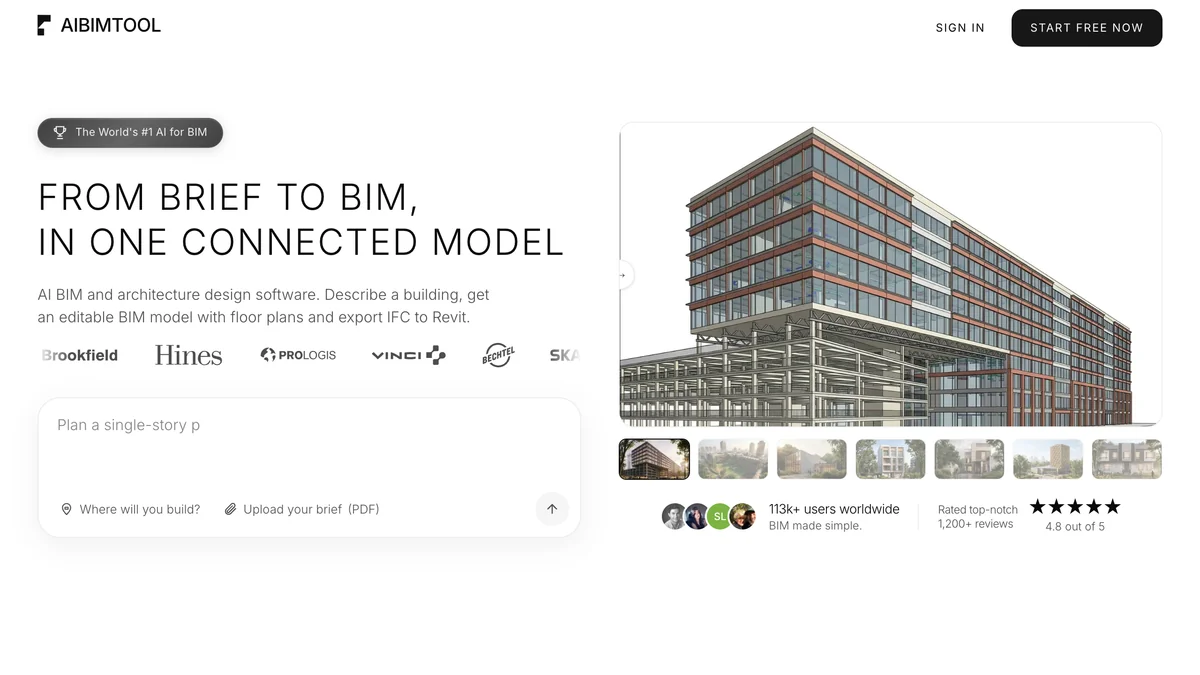
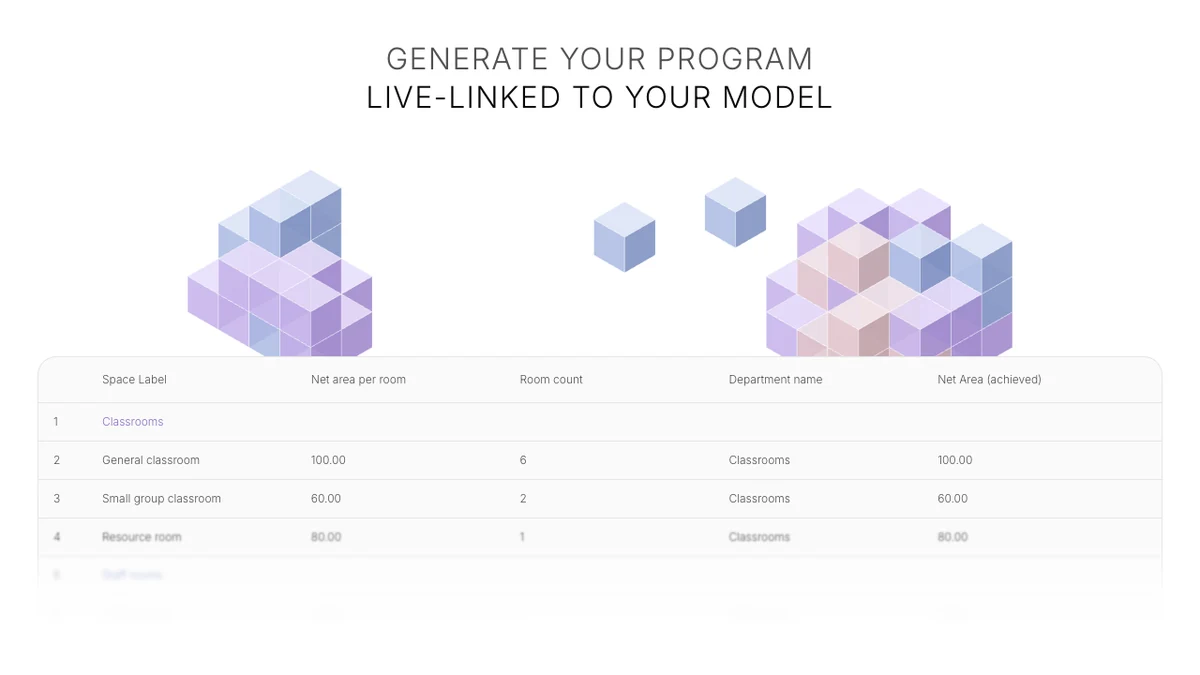
For a developer the useful part is the live program: target and achieved areas are compared as you change the model, so you can see whether a scheme hits the unit mix and gross area your pro forma assumes. On aibimtool.com it also runs sun and daylight analysis at the real site, produces area takeoffs by floor and a priced bill of quantities to Excel, and renders views of the model. The first building is free; Starter is $49 a month billed yearly ($89 monthly) and Studio $189 a month billed yearly ($289 monthly). For where it sits next to Revit and Archicad, see our best BIM software comparison and the AI BIM software page.
Where it falls short:
- There are no independent reviews of it yet. It is new and not listed on G2 or Capterra. Its homepage shows customer logos, a “World’s #1 AI for BIM” badge and testimonials that describe features such as MEP routing the product does not have. We could not verify any of them, and you should not rely on them either.
- It does not look up zoning. Setbacks, height and coverage are assumed from local practice and stated in the model; real zoning numbers have to be typed in by you. It does not check anything against a permit.
- No clash detection, no construction documents, no MEP. Its own FAQ says it is an early-stage design tool and sends you to Solibri or Navisworks for model checking and to Revit or Archicad for documentation.
- Its pricing page is not consistent: the plan table says “per user” and the FAQ says “per account”. Get the seat count in writing before you buy a team plan.
- It is not development management software. It will not touch a budget, a draw or an investor.
TestFit or AIBIMTool? They answer different feasibility questions, and many teams would use both.
Verdict: our top pick for the step that decides most of a project’s value, between “we might buy this site” and “we have hired an architect”. It gives you a three-dimensional, IFC-ready building with a live area program for $49 a month, where the alternatives are a paid architect’s test fit or a $15,000 a year TestFit Site Solver license. TestFit is still stronger on site plans, parking and published yield math, and Northspyre is what you buy to run the budget afterwards.
What Is the Best All-in-One Real Estate Development Management Software?
Northspyre. It combines deal modeling, project budgets, vendor and invoice tracking, forecasts and portfolio reporting in one platform built for developers, not contractors. It is also, fittingly, the brand Google treats as the answer to the head query: Ahrefs lists “northspyre” as the parent topic of “real estate development software”.
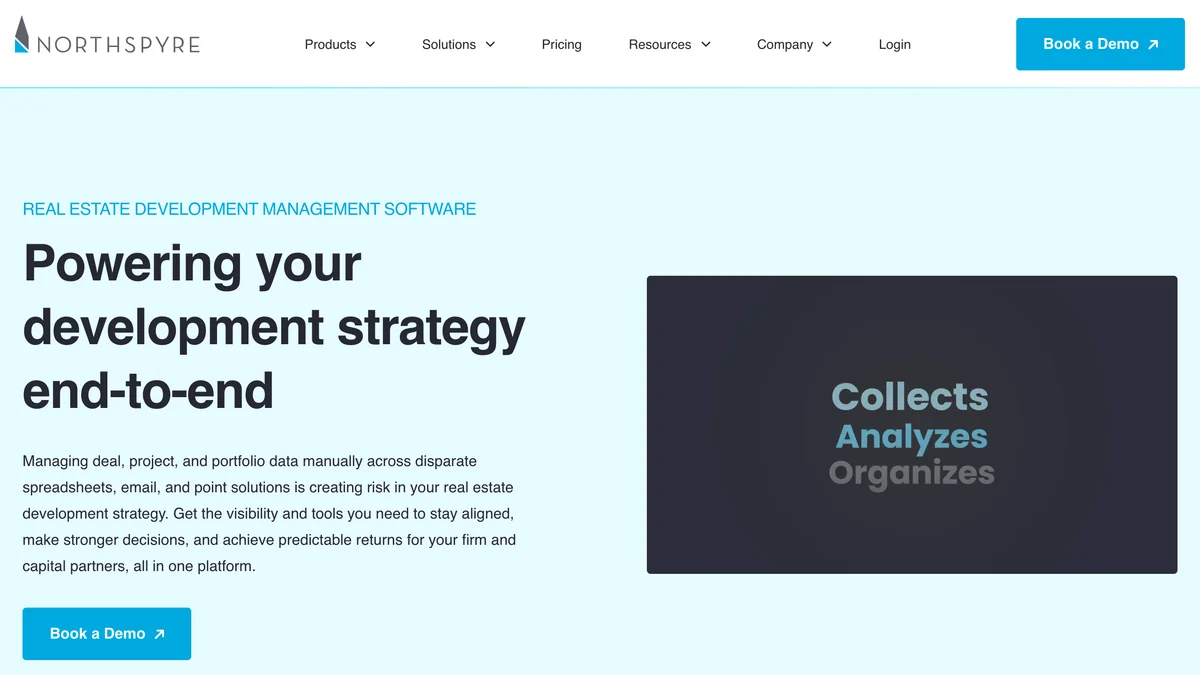
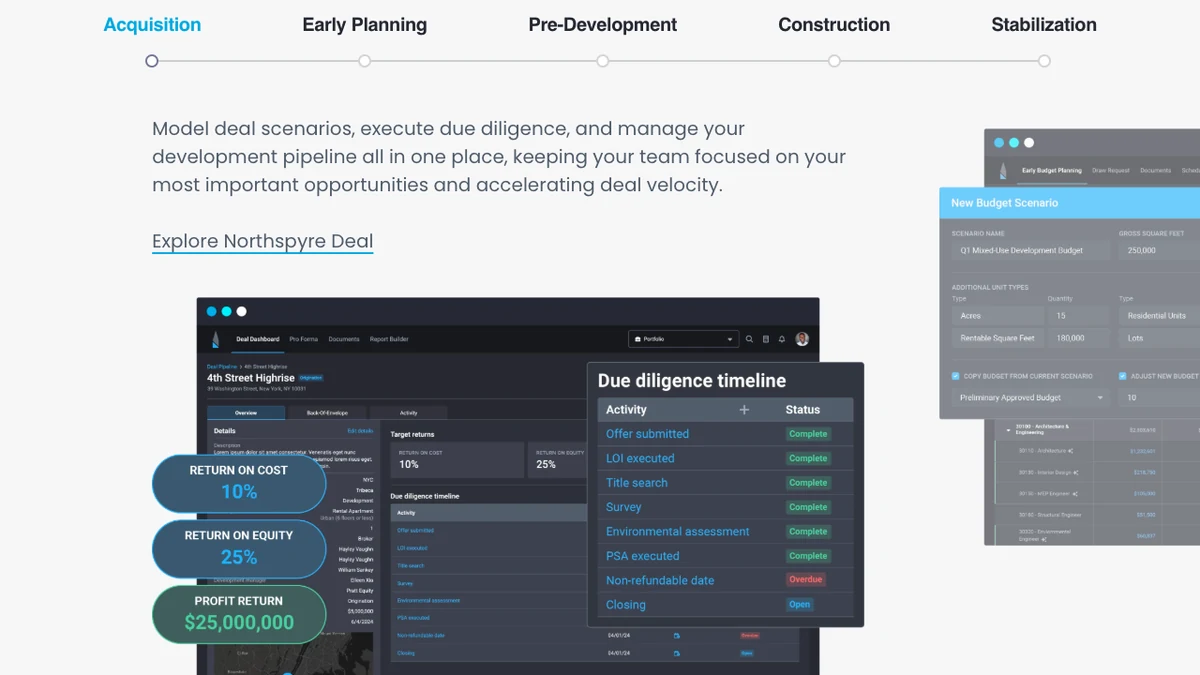
The product is split into Northspyre Deal (financial modeling and pipeline), Northspyre Development (costs, vendors, forecasts and funding) and Analytics for portfolio reporting, with iOS and Android apps for approvals. Its homepage claims “80%” less manual and administrative work, a “66%” reduction in cost overruns and “40%” time saved per employee. Those are the vendor’s own figures with no published method, so read them as marketing, not as a benchmark. The named customers (Oxbow Development Group, Watermark Properties, Hillwood, Trilogy) are mid-size to large US developers, which tells you who it is built for.
Where it falls short:
- No public price. The pricing page lists Pro and Enterprise editions, both “Contact Us”, and says most products use annual contracts.
- “Unlimited projects” has a footnote. Once a project hits a spend cap you get 30 days to upgrade it before edit access is removed, and the page does not say what the cap is.
- Two-way accounting integration is a paid add-on, which is the one integration most finance teams will want.
What users say matches the pitch on the basics and diverges on the edges. One G2 reviewer, an accounting manager, likes that “you can pull reports by cost code, draw date, or vendor”; another writes that Northspyre “doesn’t calculate negative exposures (projected cost savings) correctly”. Both came through seller invites. The company says it has supported “over $200 billion in projects” since 2017, in its own G2 profile.
Verdict: the default pick for a developer running several projects at once. A one-project developer will find it heavy and should look at Mastt first.
What Is the Best Software for Managing a Development Deal Pipeline?
Dealpath. It tracks every development deal from site selection through lease-up or sale, with workflow automation, role-based tasks, map views of your pipeline and reporting against projected milestones. Where Northspyre is strongest on the money inside a project, Dealpath is strongest on the decision of which projects to do.
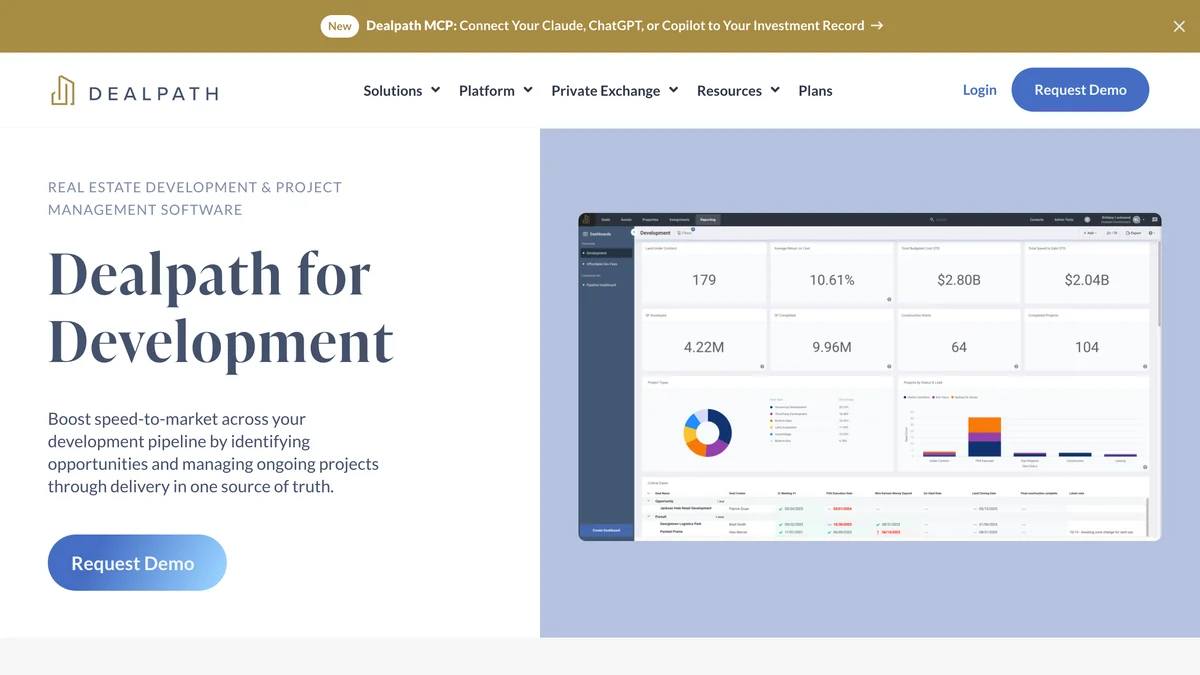
The development page covers sourcing and site selection, underwriting and due diligence, pre-development and construction, and occupancy, plus a separate offering for homebuilders tracking land and horizontal development. The newest piece is an MCP connection that lets Claude, ChatGPT or Copilot query your investment record directly, the same plumbing we tested in our guide to ChatGPT plugins for architects. It also offers AI data ingestion for screening land purchases and comps.
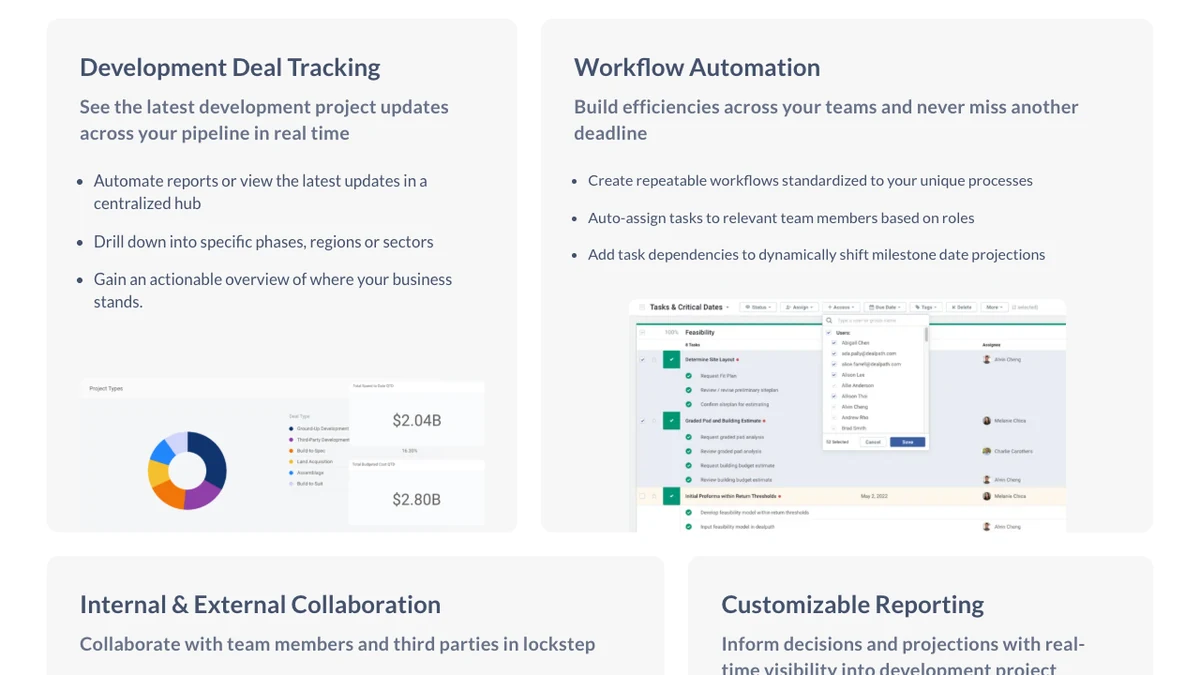
The company is not a startup gamble: it raised a $43 million Series C in 2022 led by Morgan Stanley Expansion Capital, and its May 2026 AI announcement names Blackstone, Nuveen and LaSalle as customers. The most specific complaint on G2 is about speed: one reviewer says users “have to log out/log in often to get something to update” and that it is “slower than what you would expect from a website in 2026”, while still crediting it with changing how the firm reports.
Where it falls short: no published price and no quantified results on the development page; the only figure is a testimonial about deploying “millions in capital”. It is an investment and pipeline tool first, so if you need invoice-level cost control during construction you will still want Northspyre, Mastt or Procore beside it.
Verdict: the pick for acquisitions-heavy teams and firms that both invest and develop.
What Is the Best Software for Site Feasibility and Test Fits?
TestFit. It generates an editable site plan for a parcel, down to individual parking stalls, and updates unit counts and yield as you change it. It is the fastest way on this list to answer “what fits on this site?” before paying an architect for a full test fit.
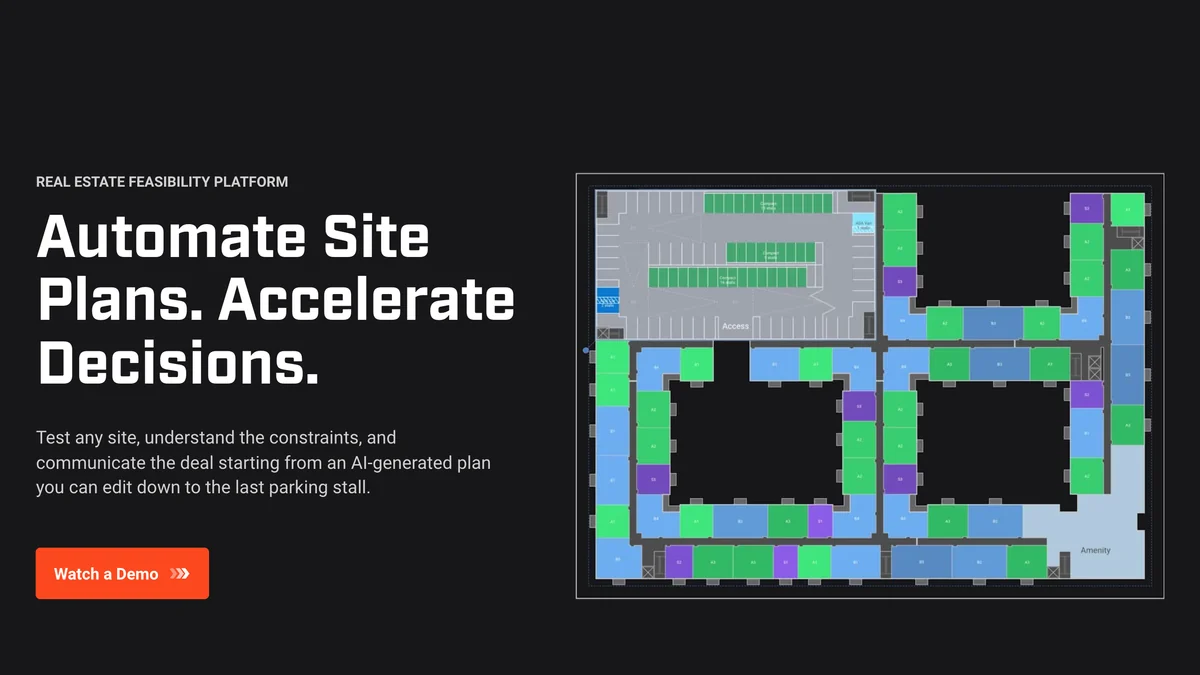
The homepage quotes Brian Prince of Prince Property Group: “Before TestFit, it was common to wait 3-4 weeks for initial drafts from the preconstruction team. Now, I can size up a site in 10 minutes.” It covers multifamily, single family, industrial, retail, hotel, parking and data centers, and claims 6,200+ users. Unusually for this category, the pricing is public: Parking Solver is $195 a month with unlimited users, Site Intelligence (zoning, environmental and terrain data) adds $150, a live pro forma adds $170, and an MCP connection to an AI assistant adds $100. Site Solver, with generative design and building presets, starts at $15,000 a year.
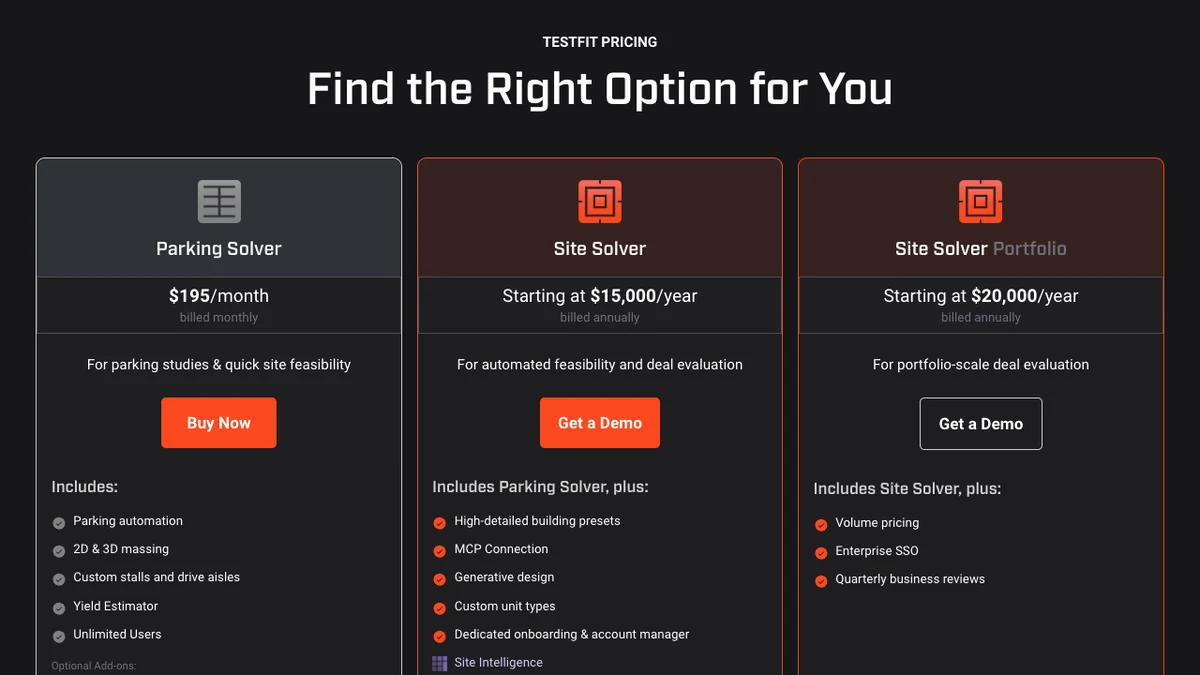
TestFit is a Dallas company that raised a $20 million Series A in 2022 led by Parkway Venture Capital, with the venture arm of Prologis taking part. Its G2 score is 4.3 from 22 reviews, most posted in early 2023, so treat it as dated. The useful complaints are older but specific: one reviewer on SoftwareFinder wrote in 2021 that “it can struggle to create floor plans for small urban sites with irregular lot sizes”, and another that manual mode is hard “when trying to input the exact measurements.” Test it on your worst site, not your easiest.
Where it falls short: the $195 plan is a parking and massing tool; the building presets and generative design most developers picture are on the $15,000 tier. A test fit is also not a design. Setbacks and zoning inputs still need checking against the actual code, and the output goes to an architect, not to a permit desk.
Verdict: worth it the first time it saves you from tying up a site that does not pencil.
What Is the Best Real Estate Pro Forma and Feasibility Software?
ARGUS EstateMaster, from Altus Group. It handles development feasibility, residual land value, scenario and sensitivity analysis, debt, equity and JV funding structures, and cash flow forecasting. It covers land subdivision, residential, commercial, industrial, build-to-sell and build-to-rent projects.
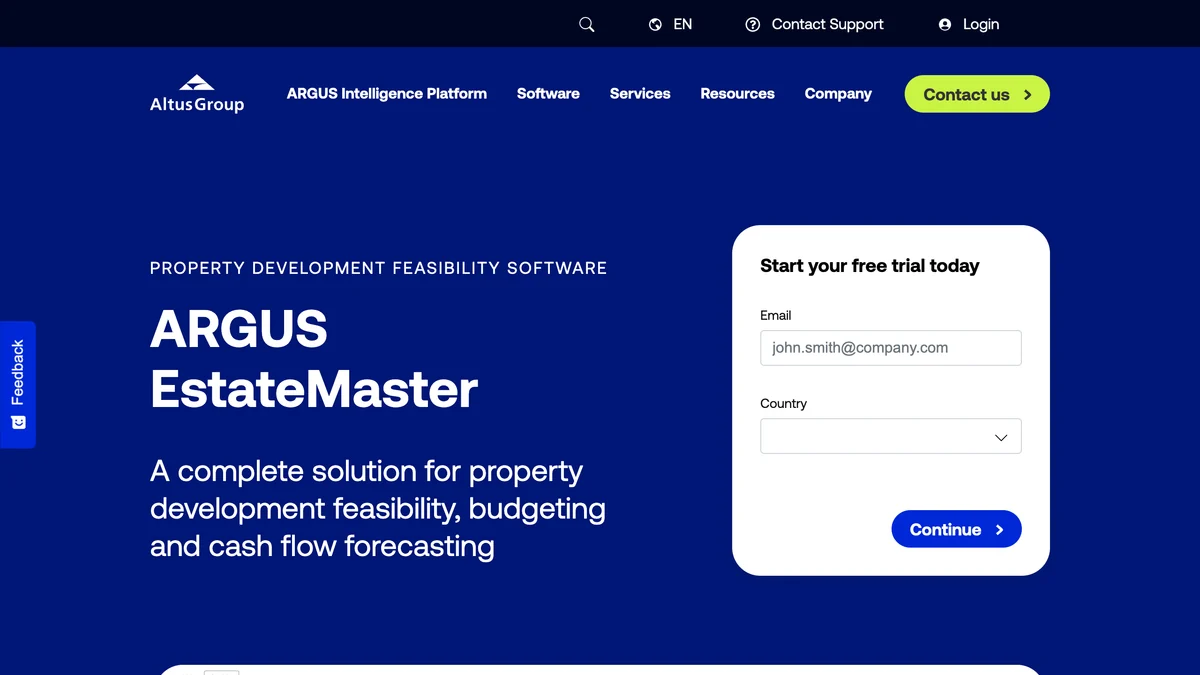
ARGUS is the name lenders and appraisers already recognize, which matters when your pro forma has to survive someone else’s review. The EstateMaster page offers a 14 day free trial and multi-year discount packages. Its own FAQ compares it with ARGUS Developer: EstateMaster is the more flexible, spreadsheet-style option, Developer the more rigid one suited to multi-stage projects with complex funding.
A detail most US lists miss: EstateMaster is Australian. Altus Group acquired EstateMaster in 2017, describing a company founded in 1991 with 14 staff, and positioned it for Australia and the Middle East. It works for US projects, but almost no US users have reviewed it publicly, so ask Altus for a US reference before you commit.
Where it falls short: pricing is quote only, the product is installed module by module rather than opened in a browser tab, and a spreadsheet-style interface is a strength for analysts and a learning curve for everyone else. If your team already lives in a good Excel model, the case for switching is lender familiarity, not speed.
Verdict: the pro forma tool to buy when outside capital will read your numbers.
What Is the Best Construction Management Software for Developers?
Procore, through its owner product. It connects project, financial and field data across a capital portfolio, with cost controls, cash flow forecasting and document management, and it lets you invite unlimited architects, engineers and contractors at no seat cost.
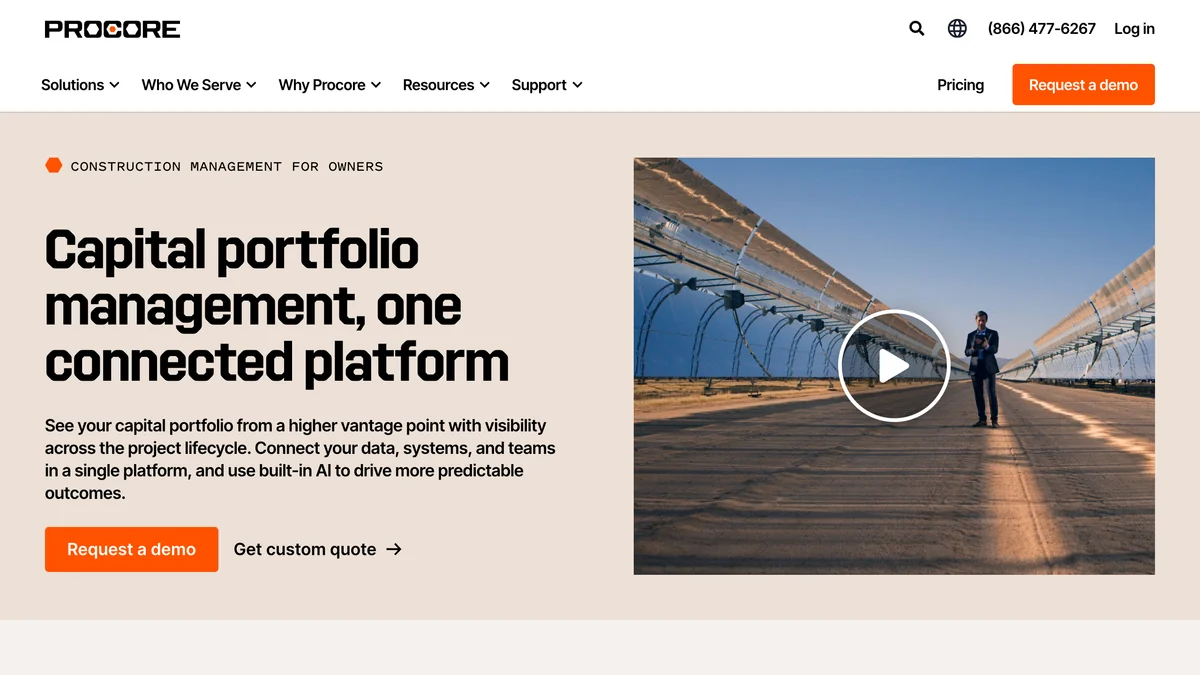
Procore is the platform your general contractor probably already uses, and that is its biggest advantage: the owner sees the same RFIs, submittals and change orders the builder works from. The owner page says its AI is built on data from “over three million construction projects” and flags financial overruns before they hit the budget. It cites a Dodge Construction Network 2025 report in which 95% of owners said data visibility increases confidence in decision-making, and shows a G2 score of 4.6 from 4,298 reviews, which is already out of date: G2 itself showed 4,641 on 31 October. Procore is also the only public company here (NYSE: PCOR), with $1,323 million in 2025 revenue, which matters if you are choosing a system for a decade.
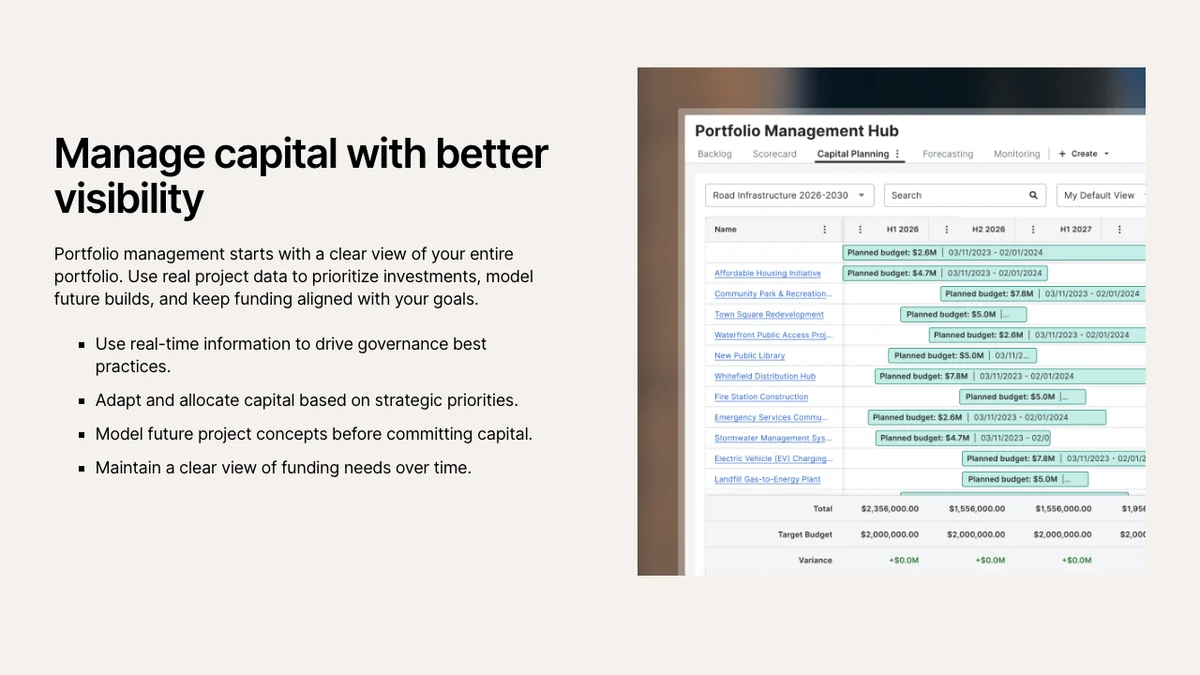
The complaint that repeats on Capterra, where it has 4.5 from 2,680 reviews, is weight. Capterra’s own summary of reviews lists “frequent bugs and glitches” and “overwhelming and rigid email notifications”, and one July 2026 reviewer writes that “for small, routine maintenance projects, the heavy administrative processes imposed by the tool can sometimes slow down execution.”
Where it falls short: pricing is packaged on your annual construction volume, so there is no number to compare until you talk to sales, and it is a construction platform first. Deal screening and investor reporting are not what it is for.
Verdict: the right tool from groundbreaking to closeout, especially if your GC is already on it.
What Is the Best Software for Construction Draws?
Built. It handles budgets, capital requests, invoices, lien waivers, compliance tracking and payments for owners and developers, and the same platform runs draw review and inspections for the lenders funding them.
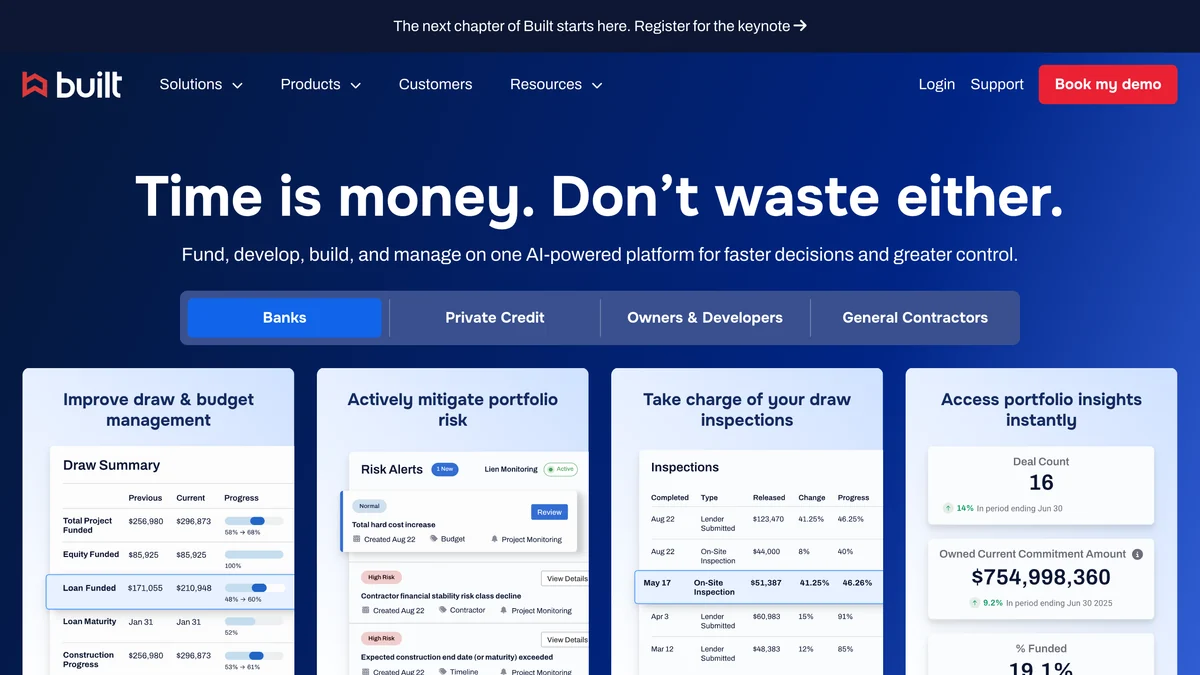
Built’s homepage claims its Draw Agent delivers two to five times more capacity and “up to 95% faster draw processing”, and that the platform is “trained on $3T+ in real estate finance data”. Its own launch announcement for the Draw Agent is more modest: up to 95% improvement in time on task for the reviewer, but up to 60% faster draw turn time from borrower request to funding. As a developer waiting for money, the 60% is your number. We could not find the $3 trillion figure in that release. Built is well funded, with a $125 million Series D at a $1.5 billion valuation in 2021, and has 4.4 on G2 from only 15 reviews; one banking user rated it 3.5 and wrote that problems “typically take about a week to receive a meaningful response.”
Those are the lender-side numbers. For a developer the practical benefit is simpler: if your construction lender already runs draws on Built, submitting through the same system removes a round of PDFs and follow-up emails every month.
Where it falls short: it is a lender-first product, so its developer module is narrower than Northspyre’s, and there is no published price. Ask your lender before you buy anything.
Verdict: the draw tool to use when your bank already does.
What Is the Most Affordable Development Cost Control Software?
Mastt. It has a free Starter plan with unlimited users and budgets, and a Professional plan at $165 per project a month, which makes it the only budget and contract control tool here you can price without a call.
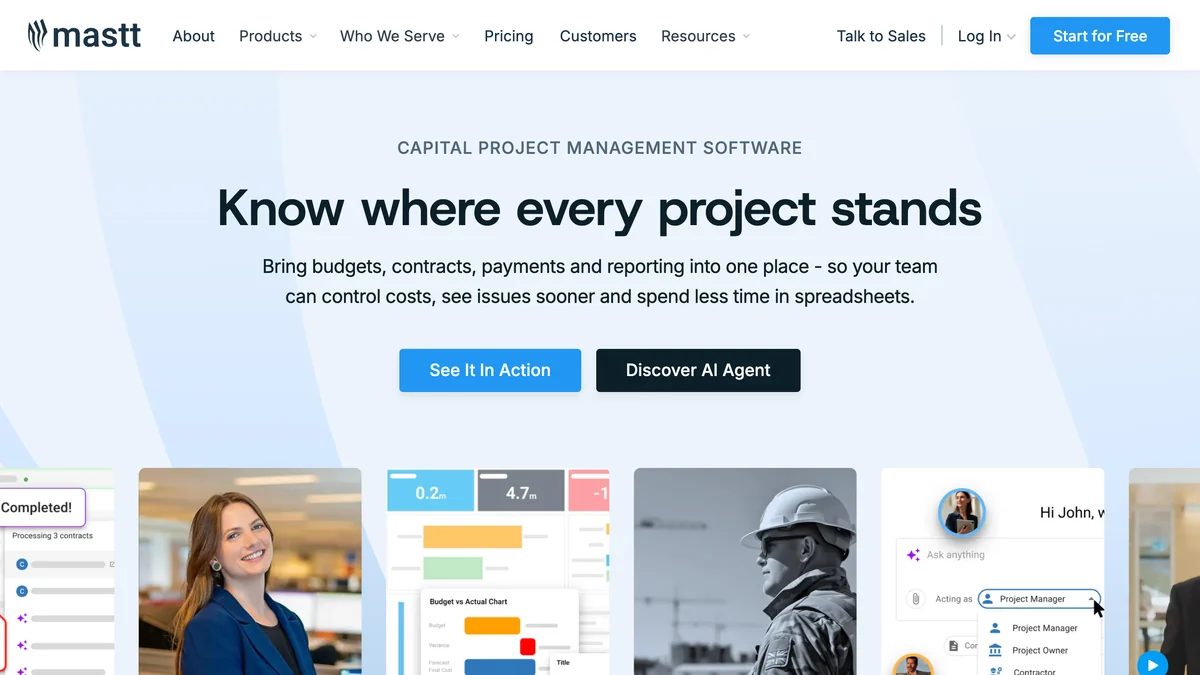
Mastt’s pricing is built for the owner’s side of construction: budgets, committed costs, payments, forecast final cost, risk and schedule modules, with AI upload and templates on the free plan and AI contract and payment review on Professional. It also has an Agent product that takes on admin, reporting and document review. One of the listicles ranking for this keyword already ranks it highly for cost control and draw management, and the pricing explains why.
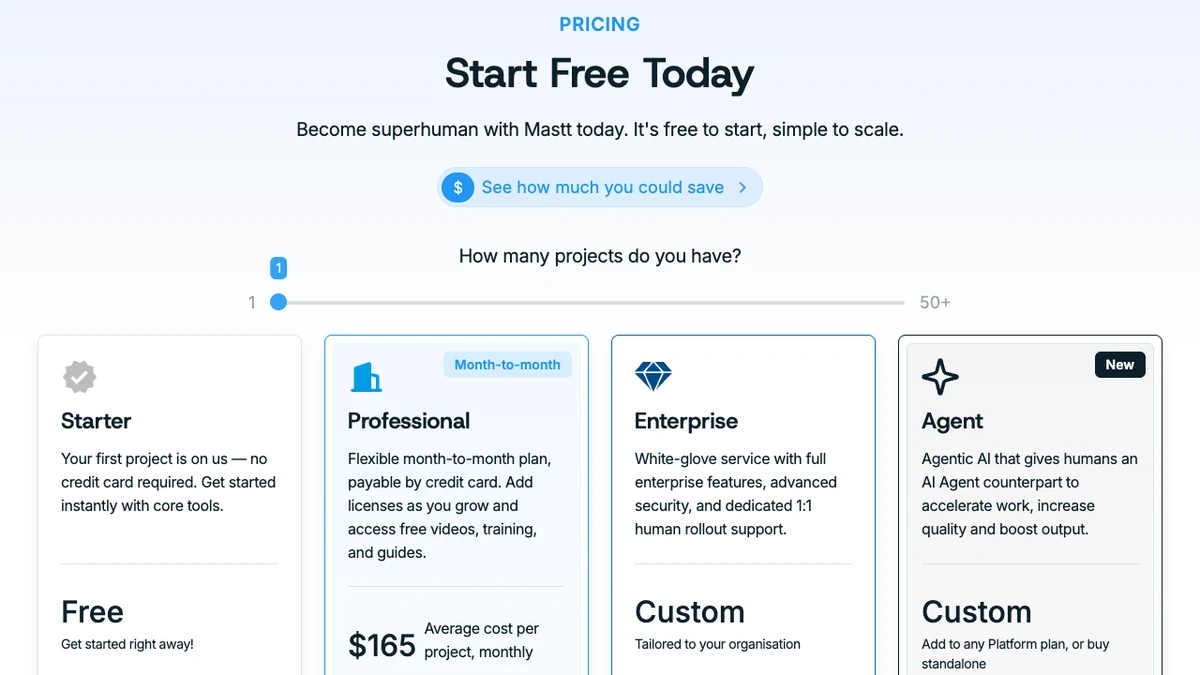
Users rate it highly but few have rated it: 4.9 from 30 reviews on Capterra and 4.4 from 10 on G2, all of the G2 ones from 2022. The praise is about visibility (“you get to see the real-time reporting as well, rather than be in the dark for 30-60 days”), the criticism about the interface not always being “the most intuitive” and slow initial data entry. Capterra also still lists a $150 starting price; we used the $165 on Mastt’s own page.
Where it falls short: the free plan tracks only 10 payments per project, which a real job passes in months. API access and ERP integrations are Enterprise only, and both are labeled “Coming Soon” on the pricing page. Its case studies (an airport, a project management consultancy) lean public sector and owner-builder rather than merchant developer.
Verdict: the sensible first platform for a developer with one to five projects who is outgrowing Excel.
What Is the Best Investor Management Software for Developers?
Juniper Square. It runs fundraising, investor onboarding, fund accounting, compliance and LP reporting for private real estate sponsors, and its homepage counts more than 2,300 GPs and 750,000 LPs on the platform.
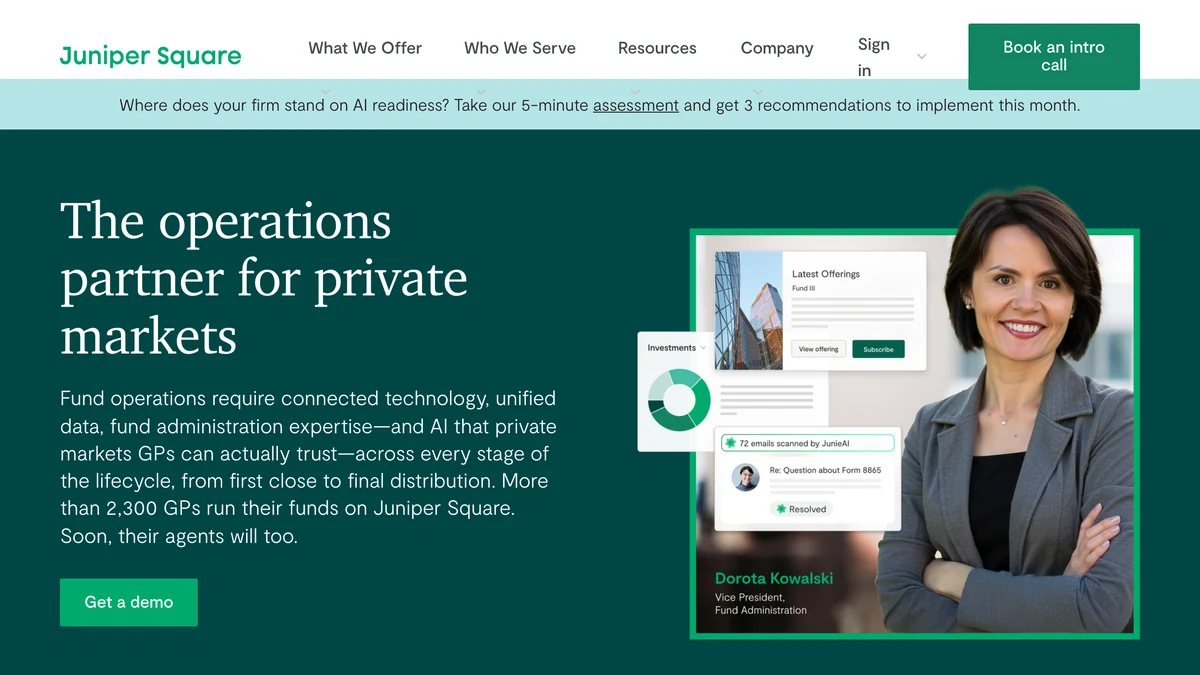
It is on this list because the moment a developer raises outside equity, investor reporting becomes a job of its own, and doing it from email is how capital calls go wrong. Juniper Square adds AI agents (JunieAI) for fund admin tasks, and a “Headless GPX” layer that exposes the same data to Claude, Copilot and ChatGPT over MCP.
It has the strongest independent reviews of the specialist tools: 4.7 from 106 on G2 and 4.9 from 61 on Capterra. It raised a $130 million Series D at a $1.1 billion valuation in June 2025 to fund its AI work. The criticism is sharp when it comes: one G2 reviewer called it “little more than a glorified cloud storage portal” with “no meaningful accounting integration”, and others ask for more report customization. The 2,300 GP and 750,000 LP figures are Juniper Square’s own; we found no independent count.
Where it falls short: it does nothing for the project itself: no budgets, no draws, no site plans. It is built for sponsors with funds or recurring syndications, and while Juniper Square does not publish a price, Capterra lists a starting price of $18,000 a year.
Verdict: essential once you manage other people’s money, irrelevant before that.
What Is the Best Cheap Software for Finding Development Sites?
Regrid. Its Property App shows parcel boundaries, ownership and property attributes for 100% of US parcels, and the Pro account costs $10 a month or $100 a year. That is the lowest entry price on this list by a wide margin.
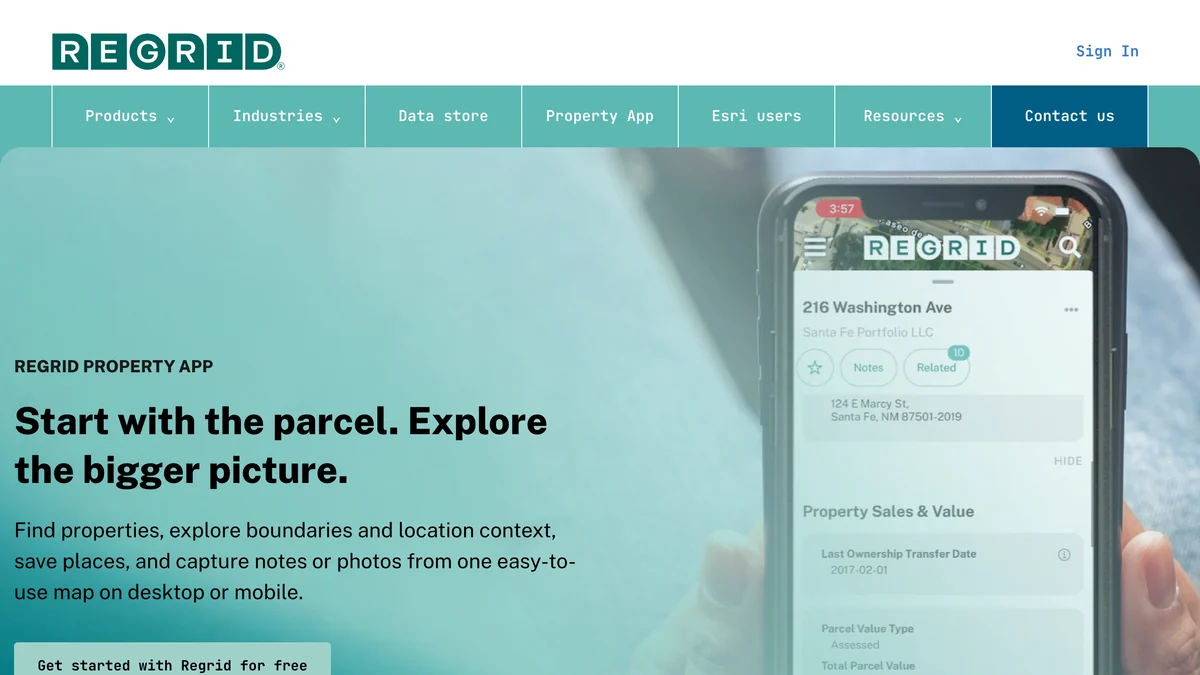
A free Starter account allows 25 parcel lookups a day; Pro raises that to 1,000 and includes 5,000 rows of spreadsheet export a month, and Team is $20 per user a month (per Regrid’s plan documentation). The same data is sold in bulk by county or state, through an API and as an ArcGIS feature service, and Regrid now covers 22 countries.
Regrid was founded in Detroit in 2009 to map vacant and foreclosed parcels, and its Property App has 4.8 stars from 8.9K ratings on the App Store, by far the largest user base here. A California broker there writes that “you can stand on any property and it shows you on the map where you are and it shows you the parcel you’re standing on.” The honest one-star theme is precision: one user found the location could be off by 5 to 10 feet, adding that “other similar apps I tried performed essentially the same.” It finds parcels; it does not replace a survey.
Where it falls short: it is data, not analysis. It tells you who owns a parcel and how big it is; it does not tell you what you can build there. Standardized zoning is an add-on, and county records lag reality, so always check the deed before an offer.
Verdict: the cheapest useful subscription a land acquisition person can have. If you need to find records for a house rather than a parcel, our guide to getting the blueprints of your house covers the county side.
What Is the Best Software for Visualizing Apartments Before They Are Built?
MeltFlex. It turns a floor plan, an empty unit photo or a render into a furnished, photorealistic interior with real furniture you can buy, plus exterior views and short walkthrough video, so a sales team can show buyers a unit that does not exist yet.
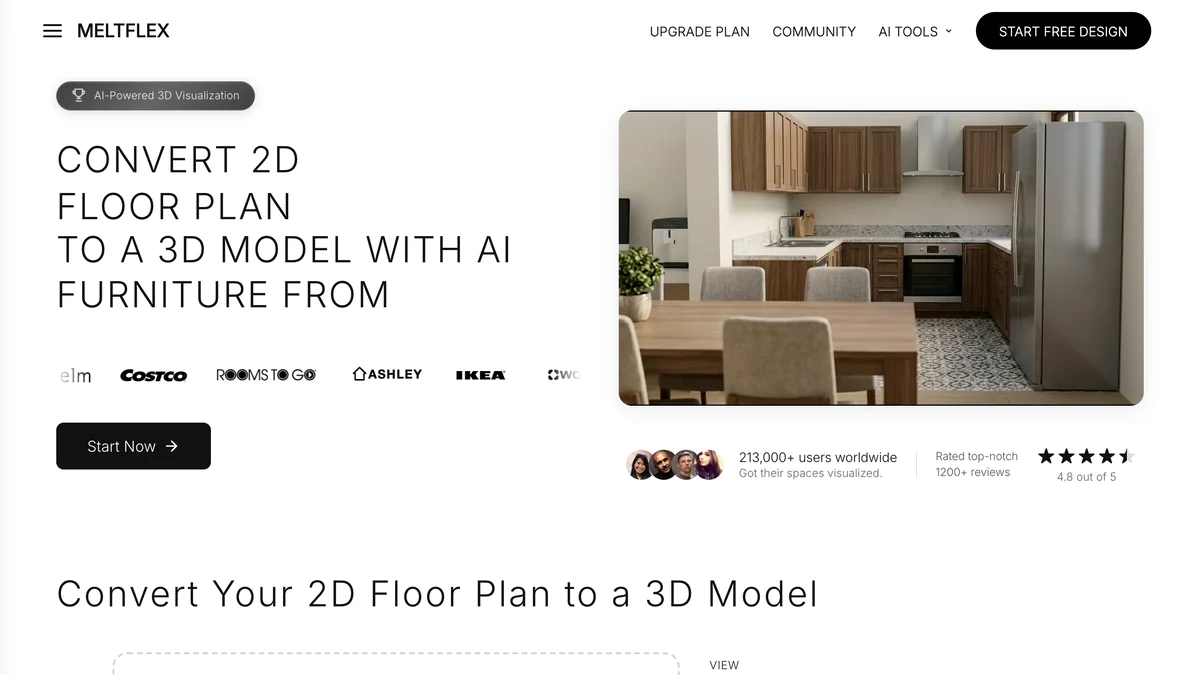
Its published developer references are case studies on its own site, so read them as vendor marketing. In Bratislava, YIT Slovakia uses it for interiors, exteriors and short video across its NUPPU, ZWIRN and ROZETA projects, JTRE stages units and turns them into walkthrough video, and Cresco Real Estate visualizes exteriors, interiors and floor plans for a pipeline of thousands of apartments. The tools a developer actually uses are floor plan to 3D for off-plan units, virtual staging for empty show units, exterior design for facades and walkthrough video for listings and social.
Where it falls short:
- It is marketing software, not development software. It sits at the end of the process, has no budget, schedule or draw logic and does not export to BIM or CAD.
- Commercial use needs the Pro plan. Standard starts at $20.99 a month in the US, but its terms bind commercial and client work to Pro or Enterprise, which is the plan a developer actually needs. Teams with shared seats go on Enterprise.
- The images are AI-generated. Furniture and finishes are a proposal, not your spec sheet, and fine geometry can drift. Disclose them as visualizations in listings, and do not use them where a planning authority expects an architect’s certified render.
- No independent rating. It is not rated on G2 or Capterra, and the reviews it has were invited from its own users after use, so we did not count them.
- No US developer references. All three published developer case studies are from Slovakia; there is no US developer story to check.
Verdict: a fast, cheap way to fill a sales brochure and listing before construction, not a substitute for an architectural visualization studio on a flagship tower. For the wider marketing stack, see our roundups of AI video generators for real estate, virtual staging software and AI tools for real estate agents.
How Much Does Real Estate Development Software Cost?
From free to at least $20,000 a year for the tools that publish prices, and quote only for the six biggest platforms. In practice the enterprise development platforms are priced on project count, spend or construction volume, so two developers can pay very different amounts for the same product.
The pattern is the same as in most B2B software: the tools that run your money hide the price, the tools that produce something you can see publish it. That is not a reason to distrust the first group, but it is a reason to ask every vendor for the total cost at your project count, including the integration add-ons, before the demo ends.
Can You Run a Real Estate Development on Excel Instead?
Yes, until about the second or third concurrent project. Most pro formas still start in Excel, and that is fine. The breaking points are predictable: two people editing the same budget, a lender asking for a draw package with every invoice attached, an investor asking for a portfolio view, and a version of the budget that nobody can trace back to a decision.
A useful test is to count how many hours a month someone spends assembling reports rather than reading them. If the answer is more than a day, a development management platform such as Northspyre or Mastt pays for itself in salary alone. If it is an hour, keep the spreadsheet and spend the money on a feasibility tool that helps you buy better sites.
How Do You Choose Real Estate Development Software?
Start with the phase where you lose the most time or money, buy one tool for it, and only then add the next. Five questions settle most decisions.
- Where do you lose time today? Screening sites points to Regrid and TestFit; getting from a brief to a first building model points to AIBIMTool; underwriting to ARGUS EstateMaster; cost tracking to Northspyre or Mastt; draws to Built; investor updates to Juniper Square.
- How many projects run at once? One or two: Mastt or Excel. Five or more: Northspyre or Dealpath.
- What do your partners already use? If your GC runs Procore and your lender runs Built, joining them beats making them join you.
- Does it connect to your accounting system? Ask whether the integration is two-way and whether it costs extra. At Northspyre it does.
- Can your AI assistant read it? Dealpath, TestFit and Juniper Square now expose MCP connections. If your team already works in Claude or ChatGPT, that is worth more than another dashboard.
For the design side of a project, our guides to AI space planning tools, AI architectural rendering tools, floor plan software and what BIM is pick up where this list stops. Small infill developers will also find the numbers in what an ADU is and garage apartments useful.
How We Checked This, and What We Could Not Verify
On 31 October 2026 we loaded each vendor’s homepage or development page in a headless Chrome at 1280 by 820 pixels, saved the capture and the full page text, and took every price and claim in this post from that text or from the vendor’s own pricing and support pages. The screenshots above are those captures: the first image in each section is the top of the page, and the second, where there is one, is the product view or price list from further down the same page. On the MeltFlex and AIBIMTool pages we cropped off a promotional banner. Their facts come from their own published pages and terms, the same as every other vendor here.
- We did not run a live project through any of the enterprise platforms. Northspyre, Dealpath, Procore, Built and Juniper Square are demo-gated; their sections describe what they publish, not what we measured.
- Ratings are from the review pages themselves. G2, Capterra and the App Store were opened in a browser on 31 October 2026 and the numbers copied as shown; search result snippets were not used, because several of them were out of date.
- We found no Reddit threads about Northspyre, Dealpath, TestFit or EstateMaster, so there are no forum quotes for those four.
- Built’s homepage and its own press release disagree on draw speed; we used the press release.
- Vendor statistics are the vendors’. Northspyre’s 66% fewer overruns, Built’s 95% faster draws and TestFit’s 6,200+ users come with no published method.
- Regrid’s plan prices come from its support documentation, not its homepage, which only shows the free entry point.
- We dropped two candidates. LandTech is a strong site sourcing platform but serves the UK market only, and ARGUS Developer’s product page returned a 404; EstateMaster is the Altus feasibility product it now points buyers to.
- We did not repeat homepage claims we could not verify, such as the user count, customer logos and “#1” badge on AIBIMTool’s landing page.
- Disclosure: this blog is published by MeltFlex, and AIBIMTool is built by the same company. No vendor paid to be listed. AIBIMTool is our top pick and is built by the same company, so weigh that ranking with that in mind; neither it nor MeltFlex runs a development budget.
Prices in this category change often. If one changed after 31 October 2026, tell us and we will update the table with the date.
Real Estate Development Software FAQ
What software do real estate developers use?
Most US developers run a stack rather than one product: an early design tool such as AIBIMTool to turn a site and a brief into a first BIM model, a development management platform such as Northspyre or Dealpath for budgets, draws and the deal pipeline; a feasibility or pro forma tool such as ARGUS EstateMaster, TestFit or plain Excel; Procore or a similar platform for the construction phase; and an investor portal such as Juniper Square once outside capital is involved. Parcel data (Regrid) and marketing visuals (MeltFlex) sit around the edges.
What is the best real estate development management software?
Northspyre is the best fit for most developers who want budgets, invoices, draws, forecasts and reporting in one system from acquisition to stabilization. Dealpath is the better choice when the bottleneck is the deal pipeline and investment committee, and Mastt is the cheapest serious option, with a free plan and a published price of $165 per project a month. None of the three publishes a full price list, so plan on a demo.
What is the best real estate project management software?
For the construction phase, Procore is the standard, with an owner product that prices on annual construction volume and lets you invite unlimited architects, engineers and contractors. For the developer side of a project (budget, contracts, change orders, draws) Northspyre and Mastt are built for owners rather than builders. Generic tools such as Asana or Monday work for task lists but have no budget-to-actual or draw logic.
Can I use Excel instead of real estate development software?
For one or two projects, yes, and most pro formas still start in Excel. ARGUS EstateMaster even keeps a spreadsheet style interface. Excel breaks when several people edit the same budget, when lenders want draw packages with backup, and when you need a portfolio view across projects. That is the point where a development management platform pays for itself.
How much does real estate development software cost?
Published prices range from free to $20,000 a year. Regrid parcel data starts at $10 a month, Mastt has a free plan and charges $165 per project a month, TestFit starts at $195 a month and $15,000 a year for Site Solver, and AIBIMTool starts at $49 a month billed yearly. Northspyre, Dealpath, Procore, Built, Juniper Square and ARGUS EstateMaster are quote only.
Is there free real estate development software?
A few tools have a usable free tier: Mastt (Starter plan, up to 10 payments tracked per project), Regrid (Starter account, 25 parcel lookups a day), AIBIMTool (first building free) and MeltFlex (free signup credits for a few renders). ARGUS EstateMaster offers a 14 day trial. The core development management platforms do not have free plans.
Can AI do a real estate feasibility study?
AI can do parts of one. AIBIMTool turns a written brief and a map plot into a program, massing and BIM model with area takeoffs and a priced bill of quantities, TestFit generates and edits site plans and yields in minutes, and Dealpath and Northspyre use AI to read documents and flag cost risks. None of them looks up and certifies zoning for you or replaces a land use attorney, an appraiser or your own underwriting.
What is the best AI tool for real estate developers?
AIBIMTool is our top pick: it turns a written brief and a site into a first BIM model with a live area program; it exports IFC4 to Revit, Archicad or Rhino and the first building is free, but it is new, has no independent reviews and does not check zoning. For generating site plans and yield on a parcel, TestFit. For reading deal and cost documents, the AI features inside Dealpath and Northspyre. For sales visuals of unbuilt units, MeltFlex. AIBIMTool and MeltFlex are made by the company that publishes this blog.